Проецировать на поверхность

-
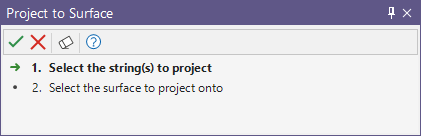
Выберите стринг для проецирования и нажмите Принять.
Ассистент выбора перейдёт к шагу 2.
-
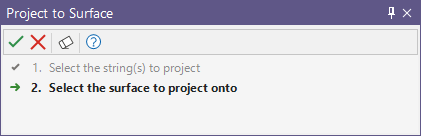
Выберите поверхность, на которую необходимо спроецировать стринг, и нажмите Принять.
Откроется форма «Проецирование на поверхность».
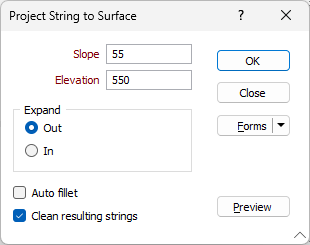
Уклон
Введите угол уклона проекции стринга в градусах. Значение должно быть в диапазоне от 0 до 90 градусов.
Высота
Укажите высоту проекции стринга в соответствующем поле.
Расширение
Выберите, следует ли расширять стринг наружу или внутрь при проецировании.
Авто-скругление
Параметр Авто-скругление применяет такой радиус скругления, который необходим для определения дуги кривой. Острые углы автоматически сглаживаются, поэтому в некоторых случаях вы можете предпочесть оставить этот параметр выключенным. Данный параметр недоступен для режима Project In.
Очистить результирующие стринги
Установите этот флажок, чтобы удалить нежелательные артефакты объектов, которые могут появляться, если угол проецирования близок к уклонам волнистой поверхности ЦМП.
Предварительный просмотр
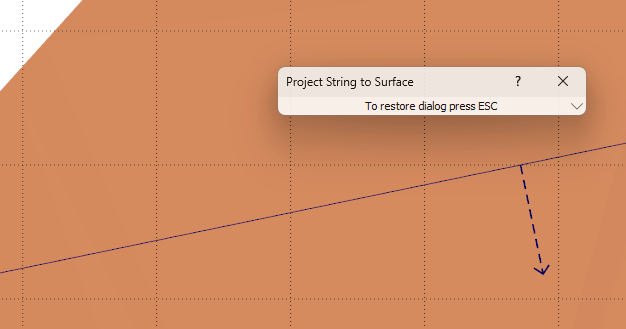
Нажатие кнопки Предварительный просмотр свернет форму «Стринг» и отобразит предварительный просмотр направления для настроенной проекции:
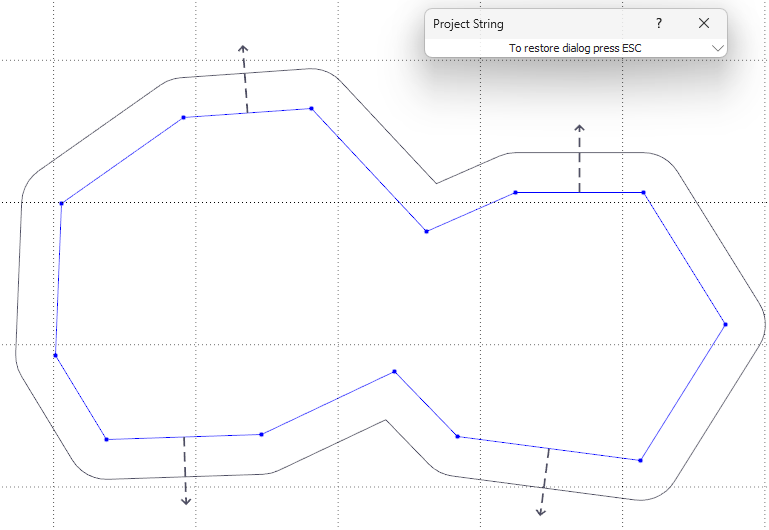
Примечание: инструмент Проецировать на поверхность может выдавать непредсказуемые результаты, если поверхность содержит участки с крутым наклоном, близким к значению уклона, указанному в форме
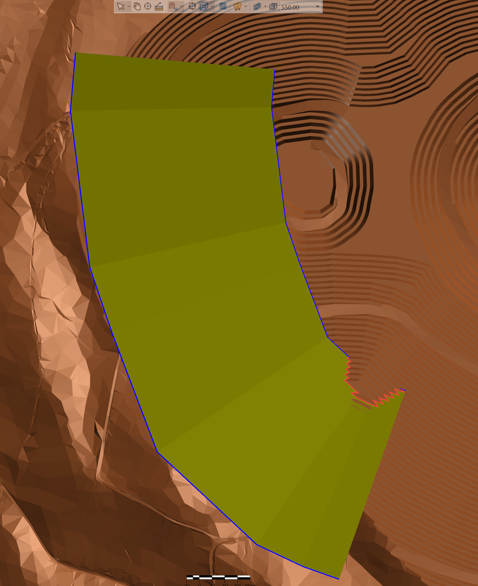
Следующий пример показывает ситуацию, когда поверхность содержит участки с крутым наклоном. Выделенный (синий) стринг - это выбранный стринг, который проецируется. Красный стринг - результирующий стринг при включённой опции наложения.
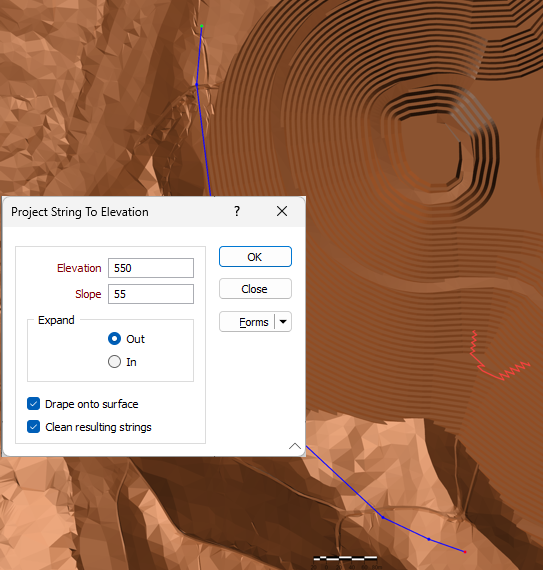
Выбранный стринг проецируется на заданную отметку. Чтобы понять, как формируется результирующий стринг, представьте, что создаётся каркас с использованием исходного стринга и проецированного стринга. Пересечение каркаса и поверхности используется для получения результирующего стринга:
Формы
Нажмите на кнопку Формы, чтобы выбрать и открыть сохраненный набор форм или, если набор форм был загружен, сохранить текущий набор форм.
Управление
Чтобы сохранить определенные вами типы, атрибуты и имена и повторно использовать их в других функциях, нажмите кнопку Управление, чтобы создать набор форм или загрузить существующий набор форм.
Сохранить
Нажмите на кнопку Сохранить, чтобы сохранить внесенные вами изменения в виде набора форм по умолчанию.
Сохранить как
Нажмите на кнопку Сохранить как, чтобы сохранить внесенные вами изменения в виде нового набора форм.
Сброс
Используйте опцию Сброс, чтобы очистить все значения и сбросить все настройки до состояния "по умолчанию".
OK
Наконец, нажмите кнопку ОК, чтобы отобразить выбранный стринг или стринги.