Layers
To import Layers previously exported to XML layer file format:
-
In the Design Data pane, right-click on the Layers node or the name of a layer and selectImport | Layers.
If you right-click on the Layers node, layers are imported under the Layers node . If you right-click on a folder, layers are imported into that folder.
-
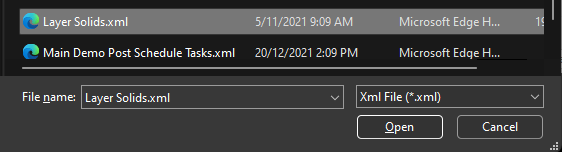
Select the XML file that contains the layer(s) you want to load:
-
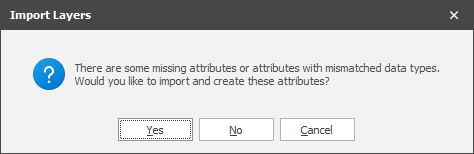
If Include Attributes was selected when the Export file was created and there are missing attributes in the current model, you will be prompted to create them:
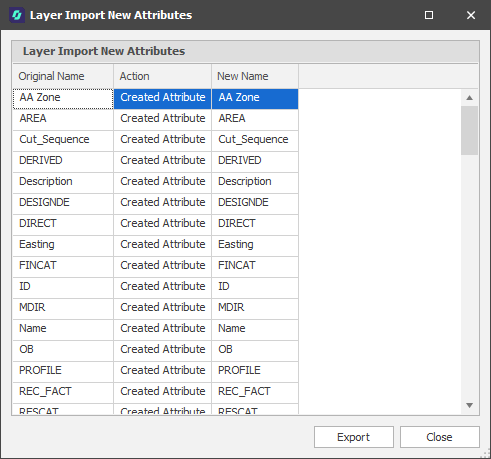
If you choose Yes and missing attributes are created, a list of new attributes is shown on completion of the Import process: