Licensing
To view your current licensing details or change your licence, click the File tab to open the Backstage menu and then select Licensing > Change Licence.
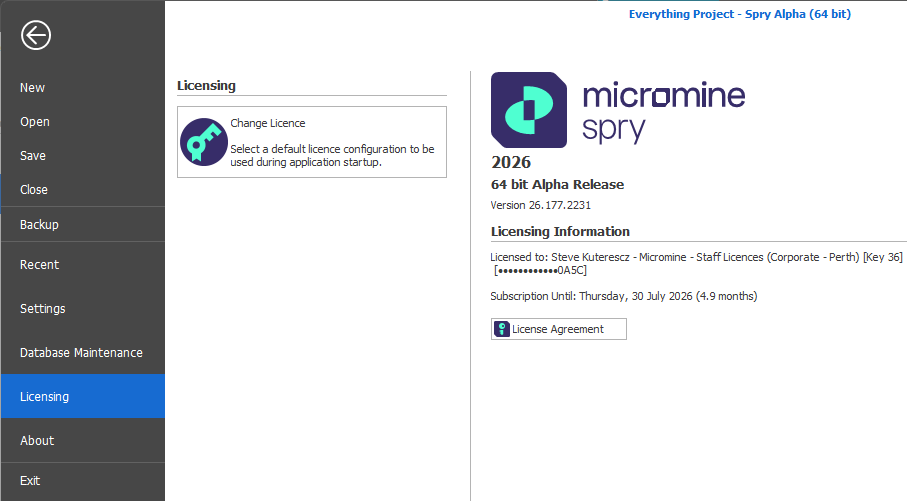
Licensing > Change Licence
You may choose between the Micromine Cloud Licensing Service (MCLS) or the Legacy Cloud Licensing Service: