Create a Group Layer
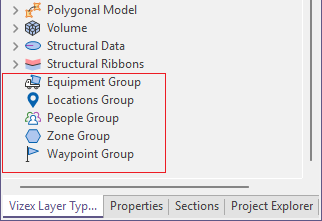
There are a number of Pitram Group layers available in Vizex.
To create a group layer, from Vizex,
-
Double click on the Group layer to be created in the Vizex Layer Types panel.
The Properties form for the selected layer group is displayed. For example, the Equipment Group properties form.
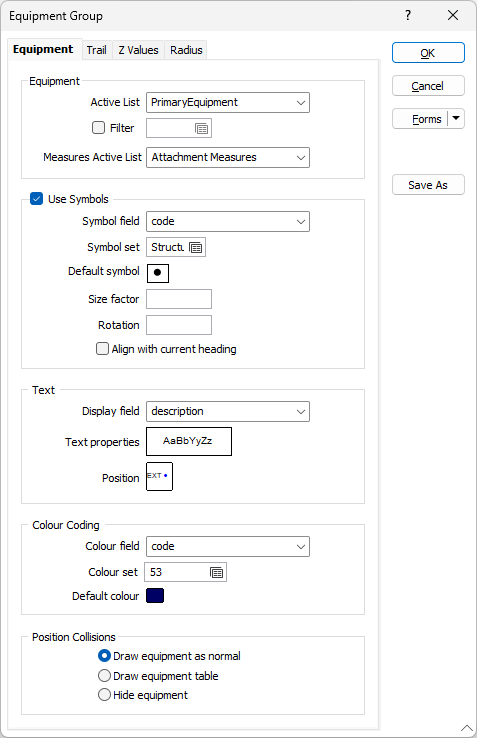
Each Properties form has a number of tabs used to select the Active List configure the display.
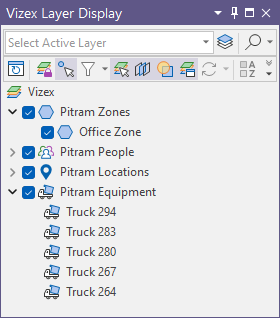
When a group is configured, it is displayed in Vizex and appears in the Vizex Layer Display panel. Each unit within a group layer is displayed in the layer tree for the group:
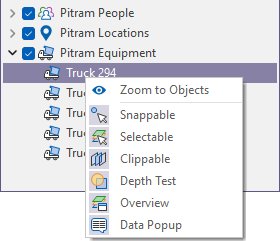
If you right-click on a group layer, the context menu is enabled. See Vizex Layer Display.
You can right click on a level in the layer to zoom to an object in Vizex or configure various display options:
For information on configuring a Pitram Group layer see the relevant topic from the links listed above.