Engineering Plots

A legend is added to the overlay and positioned bottom-right by default. Legend colours are based on the colour sets applied to source-destination solids. Legend bin labels are derived from the processes associated with those solids. See: Solid Colours
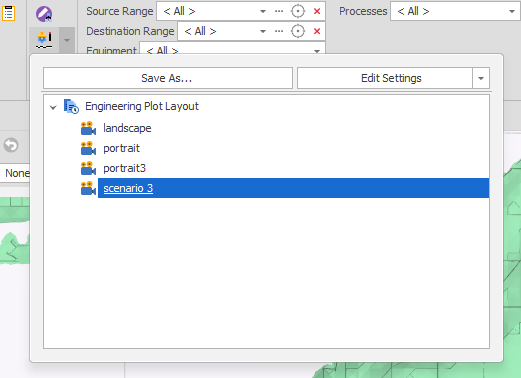
Use the drop-down on the ribbon to pick from a list of saved Engineering Plots (if any). Double-click on a plot to load it.
When you edit an existing plot layout or Create a new layout, there are two ways to apply settings:
-
Apply Settings to the engineering plot overlay. When you click Save As to save a plot layout, any changes you have made to the overlay (visualisation) will be saved to the plot layout.
-
When you create an engineering plot layout, it will incorporate the current layout of the Animation View by default. Click Edit Settings to adjust the Animation Layout of a plot layout.
You can also manage the list of plot layouts you have saved.
Save As
Click Save As to save the current (selected) plot layout as a new plot layout by entering a new name. Alternatively, accept the default name to save the current (selected) plot layout and overwrite it, based on current settings.