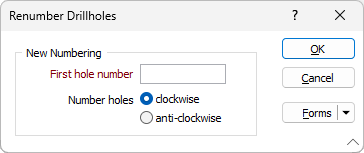
Renumber Holes
In Edit Ring mode:
-

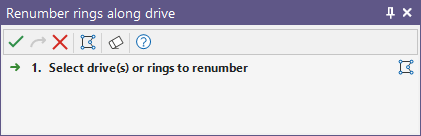
If a hole is not currently selected, you will be prompted to select the hole to set as the first hole.
-
In the Renumber Holes form, specify the First hole number and the (clockwise or anti-clockwise) direction in which subsequent holes will be renumbered.