Nexus Home
A Cloud Licence is a network style licence hosted in the cloud by Micromine Australia Pty Ltd and is only accessible online via an authorised login. A persistent network connection to the MLS Cloud Licensing Service is required.
In order to extend its services, MLS Cloud Licensing links to Nexus. Nexus provides additional services which facilitate specialised cloud licensing features.
Click the link to navigate to the Nexus Home Page.
 Not yet logged in?
-
If you have a Micromine ID, enter the email address and password provided to you by Micromine Australia Pty Ltd.
A Micromine ID is a convenient single account for accessing all services on the Micromine Nexus platform. Your Micromine ID will be created for you from your email and a password when you set up a cloud licence or any feature which requires the cloud and an ID, such as Nexus Workspace. If you would like to use any of the cloud-enabled features and you have not been assigned a Micromine ID, contact Support at support@micromine.com to get started.
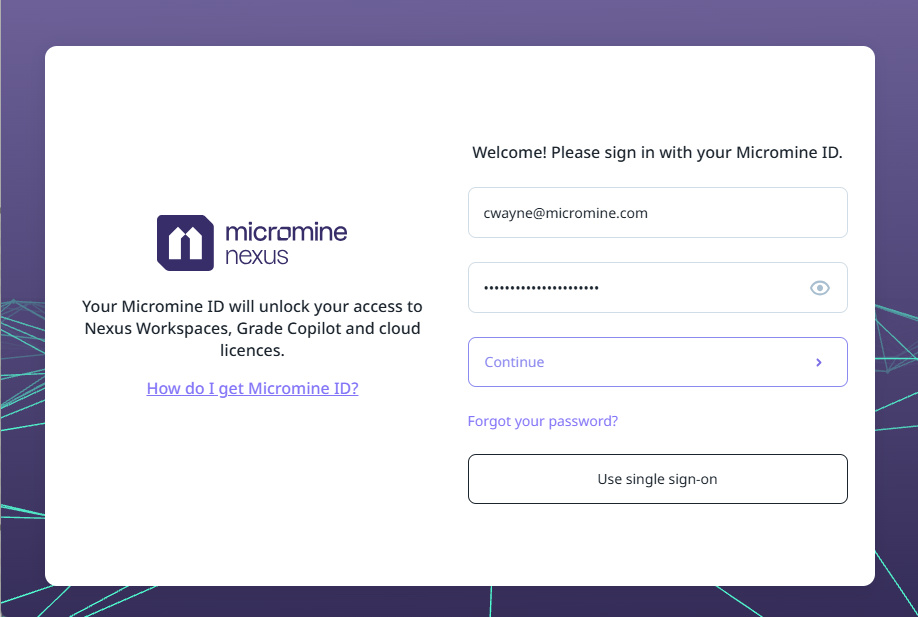
If you would like to Use single sign-on to login, click the button to open the SSO login screen and enter your Micromine ID email:
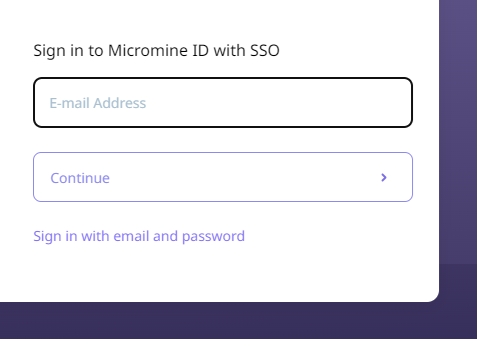
If you are not using single sign-on, click Sign in with email and password to return to the Welcome screen.
-
Click Continue to login.
If this is the first time you are logging in, you will need to enter your details in the Profile page:
Profile
Use the Profile page to update your user profile.
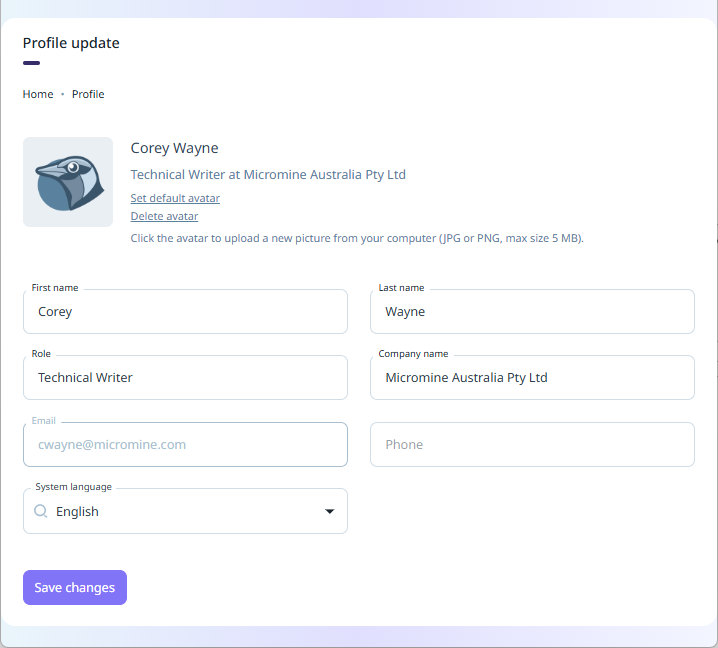
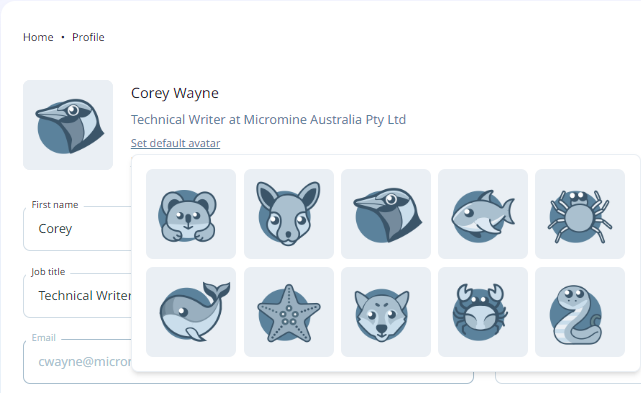
The Set default avatar option is used to set a default image to represent you, or another user. If you click the link, a panel containing the available avatars is displayed and you can select the preferred default:
If you hover over the avatar, the camera icon will be overlaid and you can click to add a custom avatar from the folders on your computer:
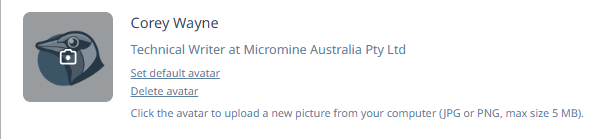
This will open the Explorer window and you can navigate to and select your picture for upload.
Note: Only JPG or PNG images under 5 MB can be used.
You can remove an avatar from the open profile using the Delete avatar link.
Select your preferred System Language from the drop down.
Use the Save changes button to save the profile details you have entered.
Already logged in?
Profile
Once logged in, your user profile details are displayed in the top left panel blow the Nexus Home Page banner, including your avatar, name and email address. You can Log out of Nexus using the option shown below your account details.
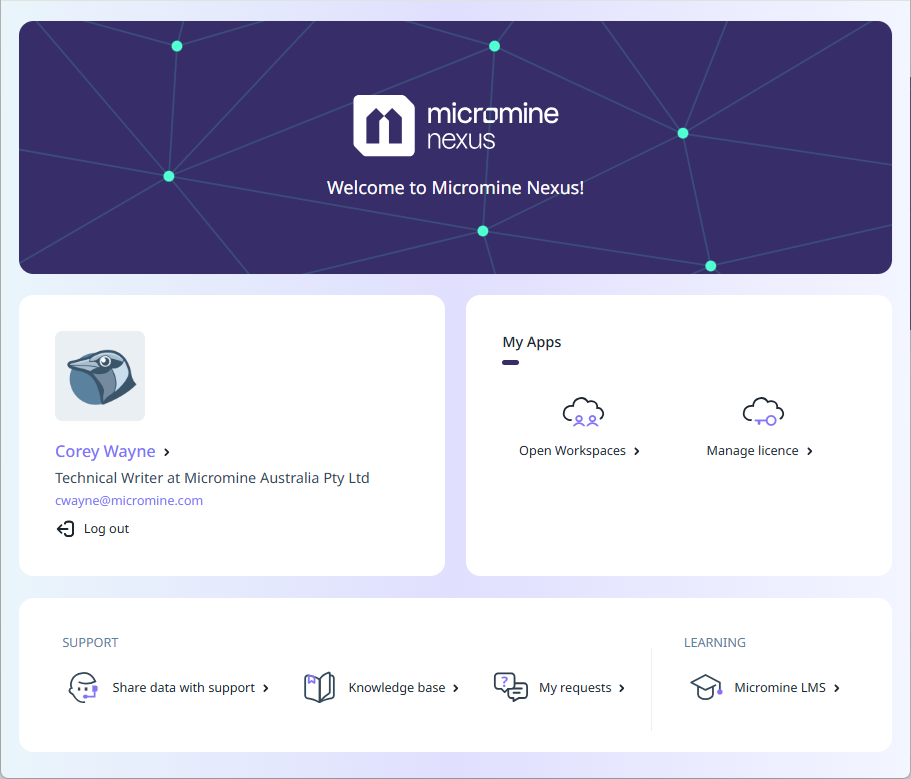
If you click on your Name, the Profile page will open and you can change your details as described above.
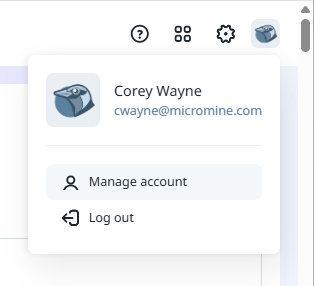
When you click on your Account Name at the top right of the page, the Manage Account option will open the same Profile page:
My Apps
The My Apps panel at the right of the Home page provides access to Nexus services.
Open Workspaces - Click the Open Workspaces option to open Nexus and the Workspaces to which you have access. Note: A Nexus licence is required for this functionality.
Manage Licence - Select Manage Licence to manage your cloud licence.
A Cloud Licence is a network style licence hosted in the cloud by Micromine Australia Pty Ltd and is only accessible online via an authorised login. A persistent network connection to the MLS Cloud Licensing Service is required.
In order to extend its services, MLS Cloud Licensing links to Nexus. Nexus provides additional services which facilitate specialised cloud licensing features.
See: Manage Licence
Support
In the Support panel at the bottom of the Home page, the following support related services are available:
-
Share data with Support - Select Share data with Support to upload requested information and files to Micromine Australia Pty Ltd Support.
-
Knowledge Base - Select Knowledge base to visit the Micromine Technical Support Knowledge Base.
Note: A subscription is required for access to the knowledge base.
-
My Requests - Select My Requests to connect with your Support requests in the Zendesk portal for Micromine Australia Pty Ltd.
Learning
The Learning panel at the bottom right of the Home page contains the following training related services;
-
Learning portal - Select the Learning portal to access the Micromine Australia Pty Ltd Learning Management System, which contains a range of self-paced learning programs for licensed users.
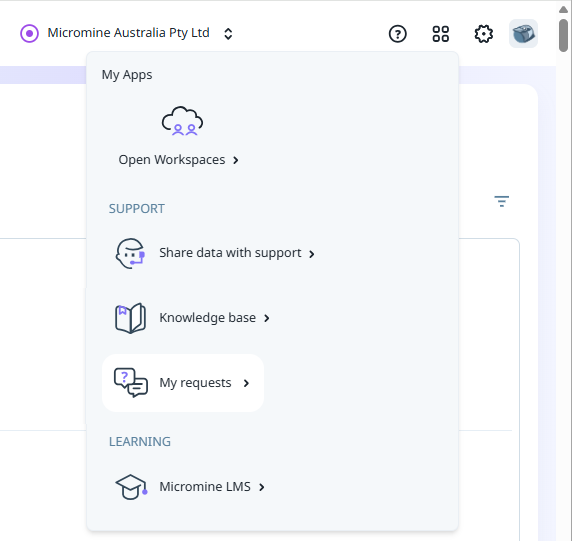
These services are also available from the Nexus Profile page, on the Apps menu:
For information on uploading information to Support, see Share Data with Support.