

Database Corruptor
Use the Database Corruptor step to manually overwrite any value in the database. For example, on direct instruction from a field geologist who is upgrading or downgrading a dig block.
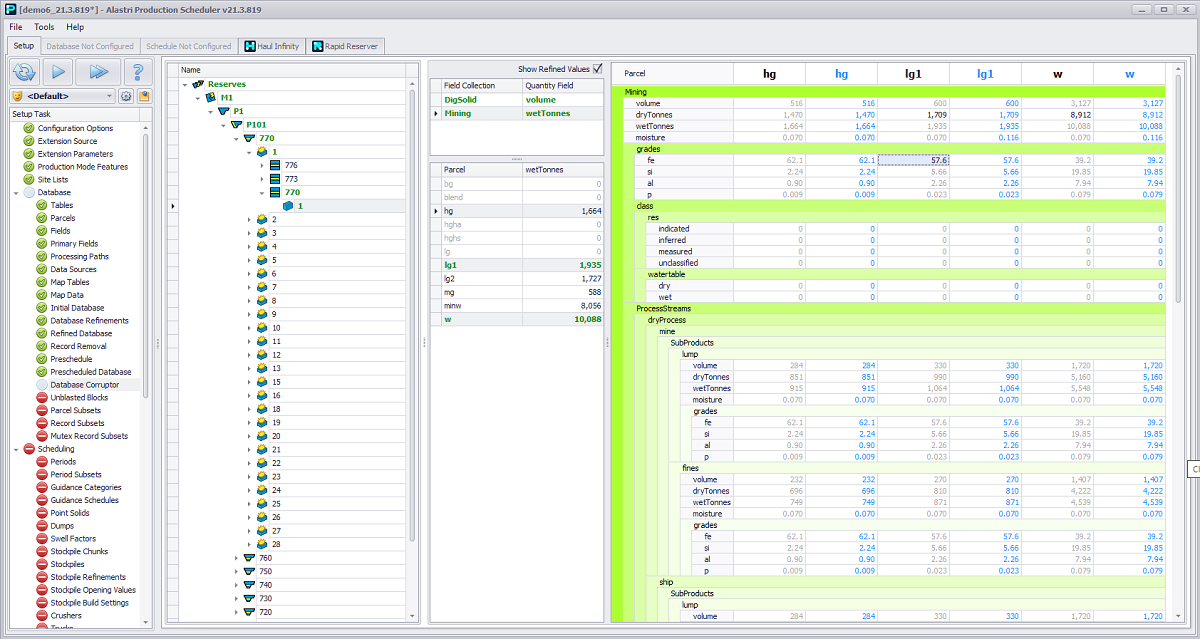
Expand tree > select activity > select parcel > enter values
To edit the database:
-
Expand the tree to the required level.
-
Select a Blast solid or Dig solid to edit.
-
Select which Field Collection to edit from the list.
-
Select one or more parcels from the Parcel list (use the <CTRL> key to multi-select).
-
Edit the values in the table shown.
The <Delete> key resets a database field to its original value.
To reset the database:
Right click in the level tree to use the “Reset Node and Children” command. This resets the selected record and all child records.
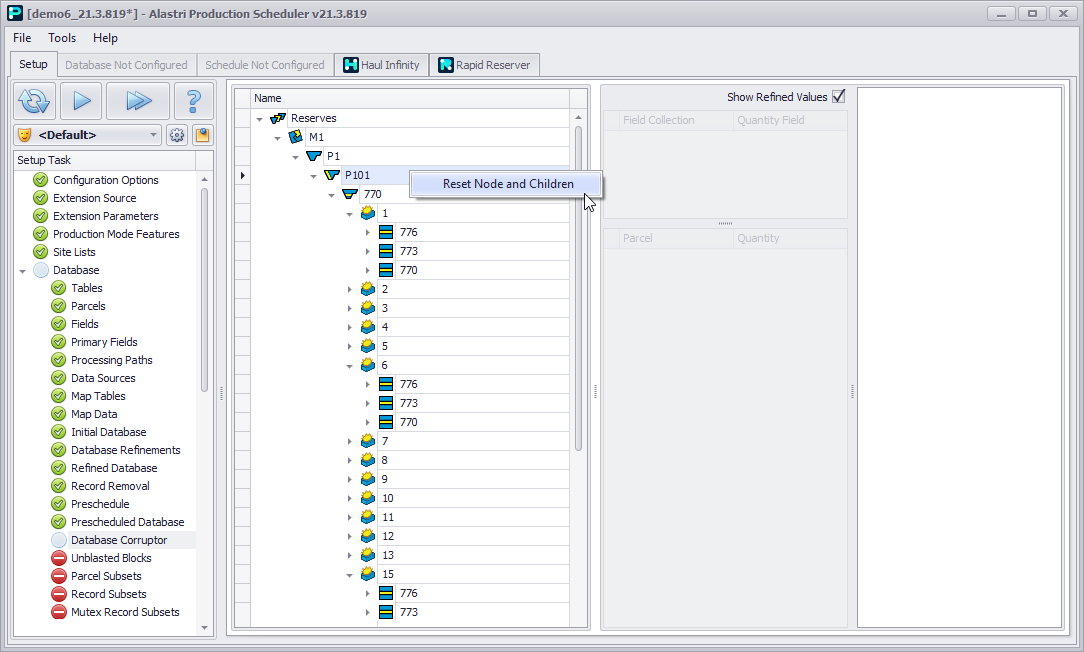
Right click > “Reset Node and Children”
Refined Values
Some projects may load custom scripts that block invalid inputs and/or recalculate some fields to reduce manual data entry.
Where this is the case, the blue “Refined Values” column (if Show Refined Values flag is enables) shows the final value of a given field.
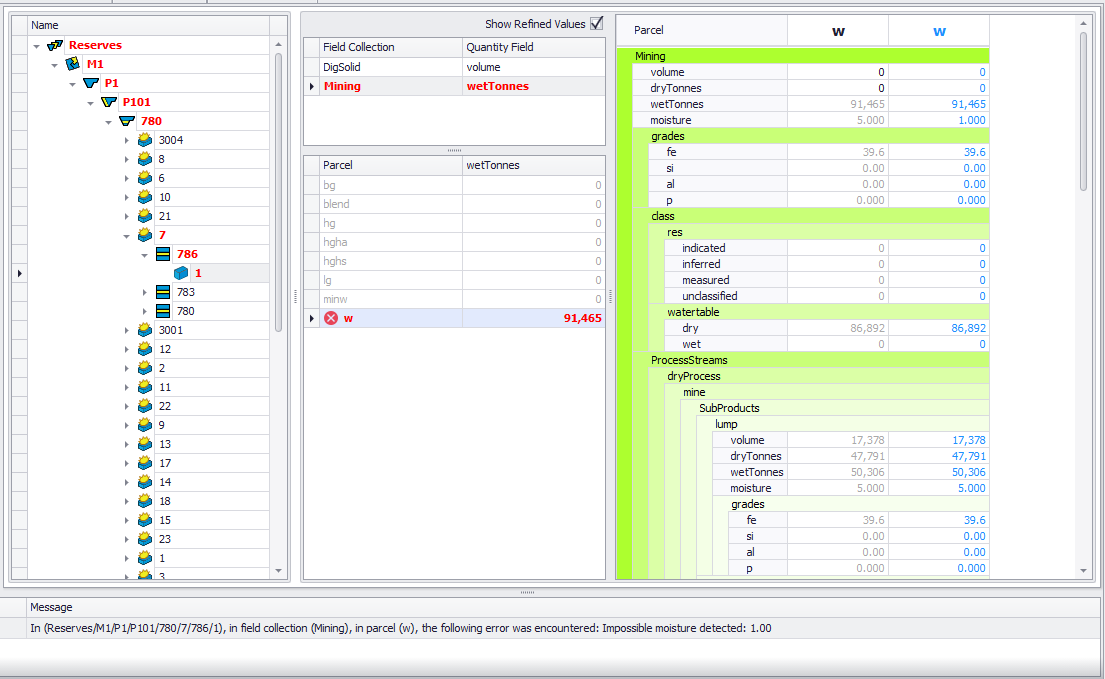
Custom error message for invalid database inputs
Resolve an error before you can proceed to the next setup step.