Link Project
To attach your active Micromine Spry project to a Nexus workspace and project:
-
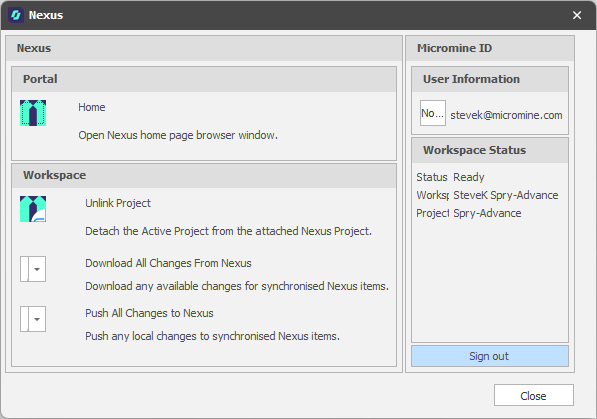
In the Nexus panel, in the Workspace group, click Link Project:

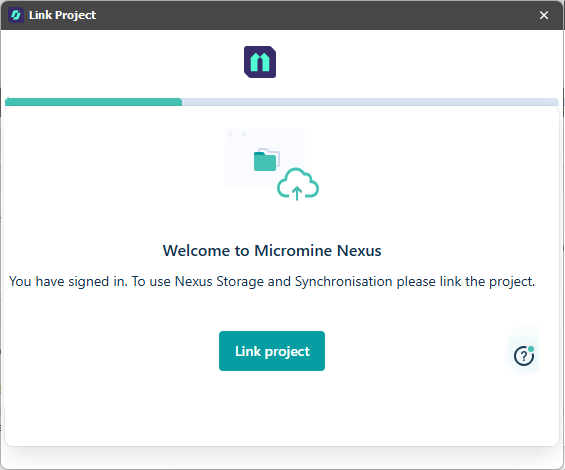
-
You will be prompted to select (or create and select) a Nexus Workspace.
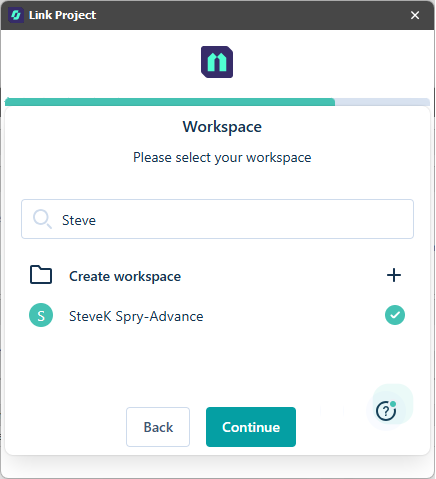
Click to Continue.
-
You will be prompted to select (or create and select) a Nexus Project:
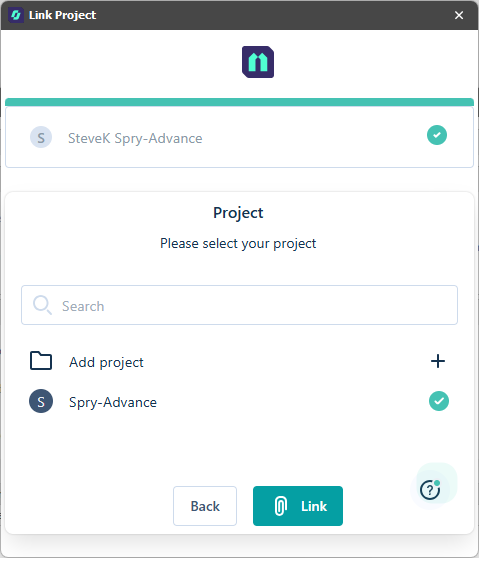
Click to Link the Nexus project to your active Micromine Spry project.
Once a link has been established between your active active Micromine Spry project and a Nexus project, you can upload your layers (including haulage network layers), block models, triangulations and grids to Nexus:
Your project is shown as linked in the Nexus dialog. From here you can:
-
Download any changes made to your synchronised items on Nexus
-
Push local changes to your synchronised items on Nexus
-
Unlink the project
-
Sign out of Nexus