

Destinations Charts
Create charts to track tonnes and grades through stockpiles and crushers.
To organise Destinations charts:
-
Select “Configure Global Display Options” from the display options button drop-down.
-
In the Configure Display Options window, go to the Destination Charts tab.
-
Add a chart for each product grade.
-
Name the chart to the grade name (In this example, “Fe“, “Al“, “Si“).
-
Set the Primary Axis Caption field to blank.
-
Set the Primary Axis Format to show N decimal places.
-
Set the series type to Weight Averaged.
-
Add a new series and set the Name, Field, and Colour.
-
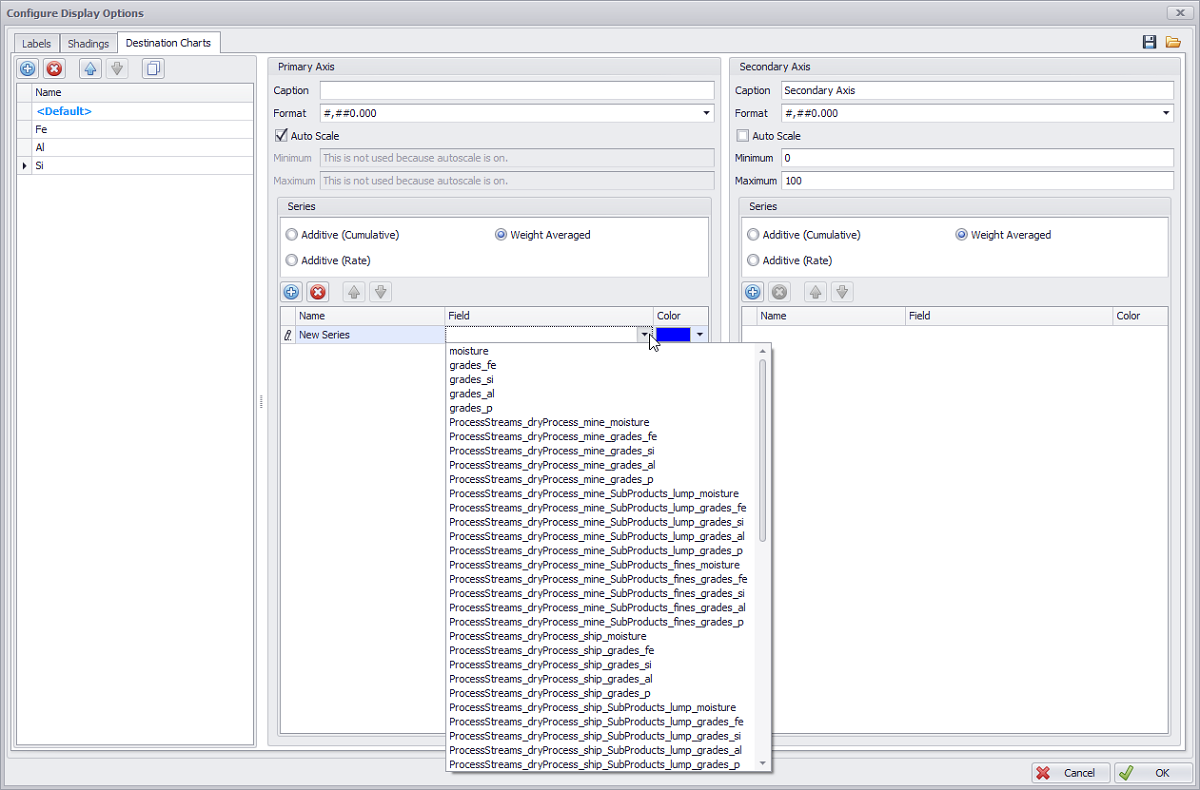
Configure destination chart options
You can save custom display options templates and import previously created ones, in the ".apsDisplayOptions" format.
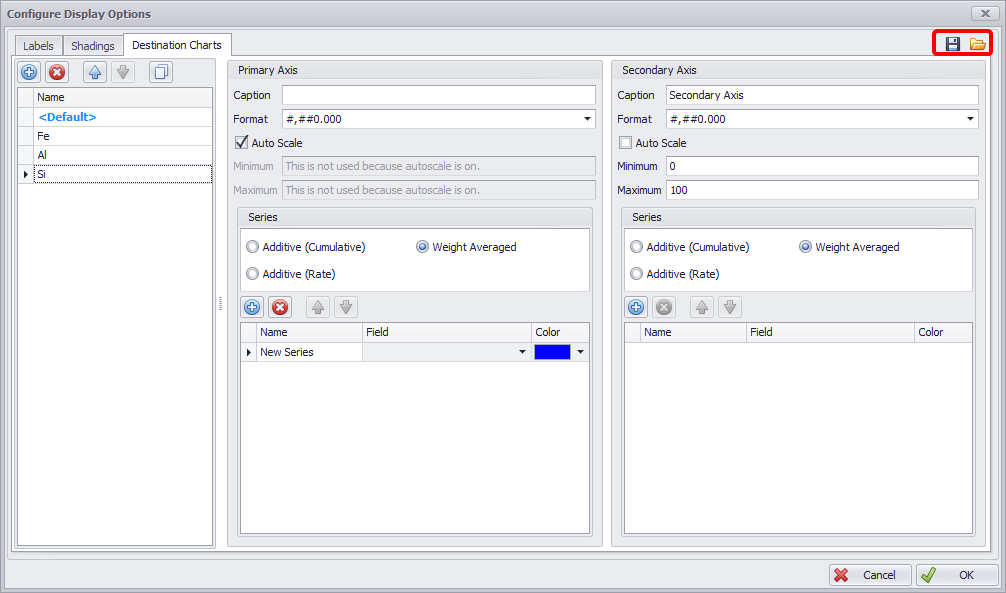
Export and Import Display Options
To apply the charts, see: Destinations Views