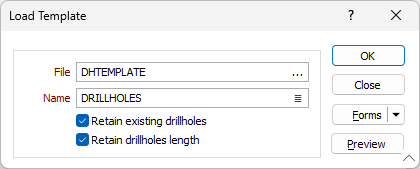
Load Template

File
Use the File field to locate and select the folder containing the template file you want to load to the ring design.
Name
Select the template file to be loaded from the Name field.
Retain existing drillholes
With this check box selected, drillholes already on the current ring design will be retained when the template is loaded. If the check box is not selected, only the drillholes from the template will remain in the ring design after loading.
Retain drillholes length
Select this check box if the length values for the holes in the template are to be carried into the ring design. If this check box is not selected, the holes created by the template will carry the default length.
OK
Click OK to load the selected template.