

Edit Maximum Version
As an Administrator you can limit what version is available to the users.
This feature is used to stop users from downloading newer versions of the software.
To access:
-
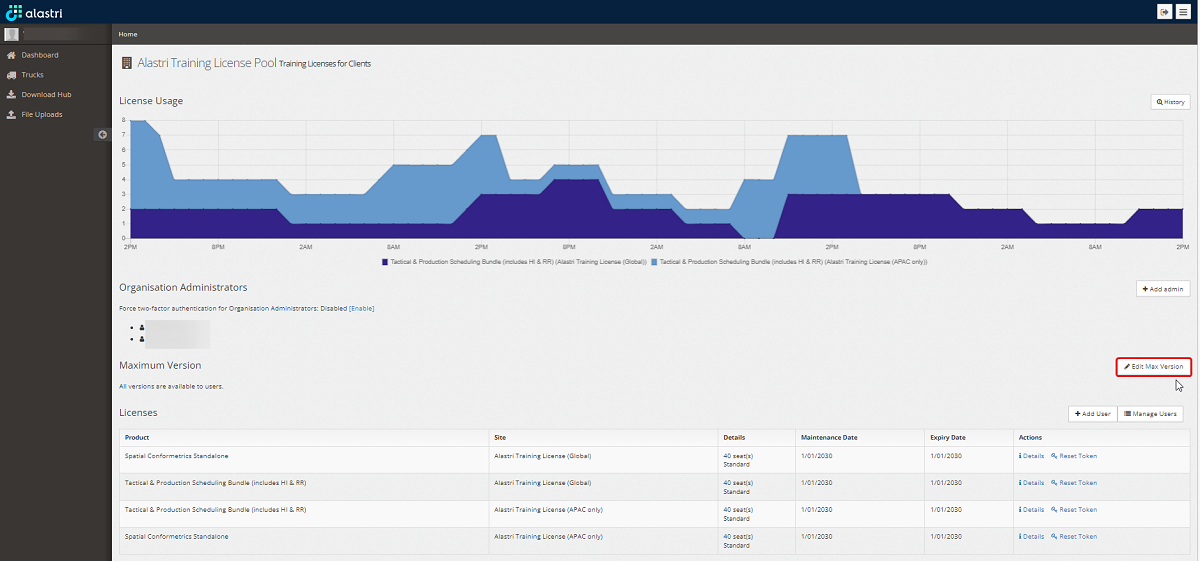
Press Edit Maximum Version button.
-
Select a maximum version or flag Allow All Versions checkbox.
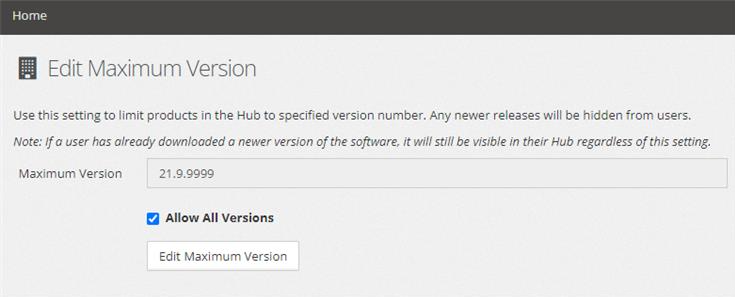
Use this setting to limit products in the Hub to the specified version number. Any newer releases will be hidden for users.
If a user had already downloaded a newer version of the software, it will still be visible in their Hub regardless of this setting.