Manage Organisation Admins
As an Administrator you can add new Administrators to your organisation license pool, and remove existing administrators.
Add New Administrator
-
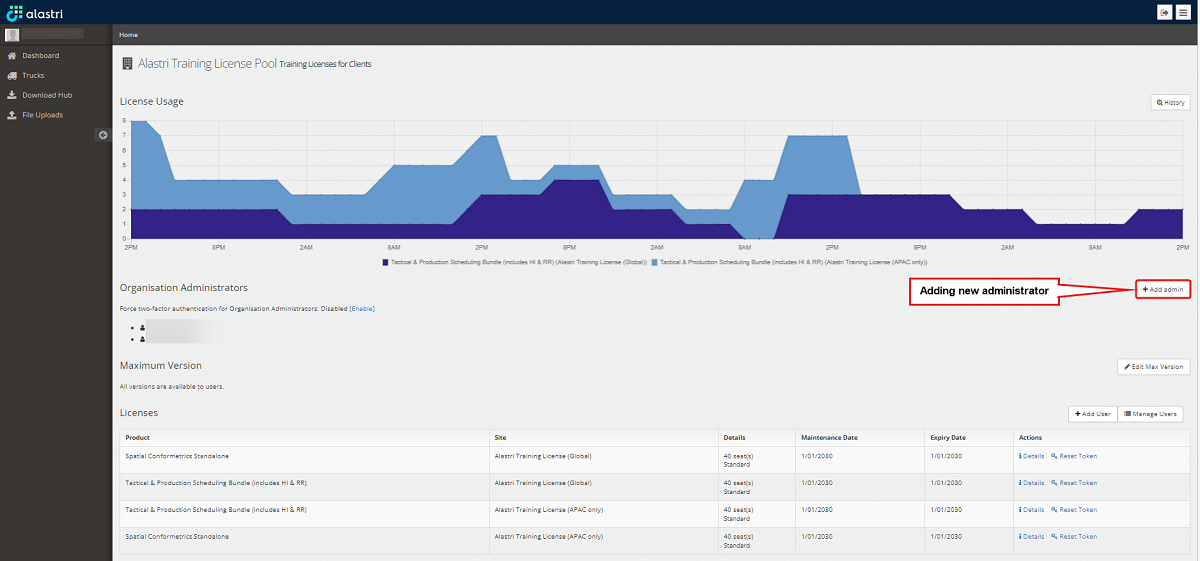
To add new administrator to your organisation license pool, press Add Admin button, as shown below:
-
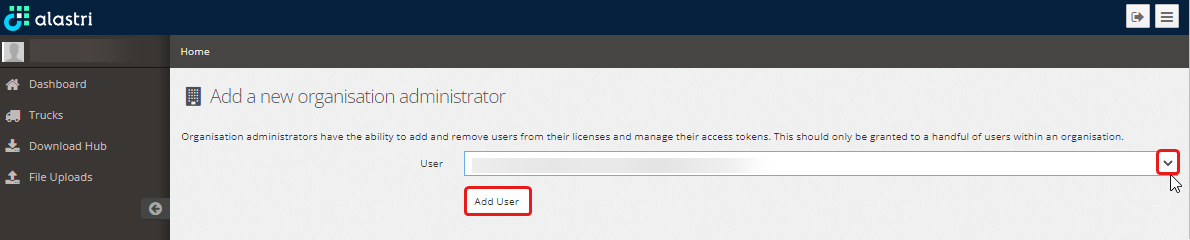
In the Add a new organisation administrator window select a user (previously added to your organisation license pool) to be granted with administration rights. Press Add User.
-
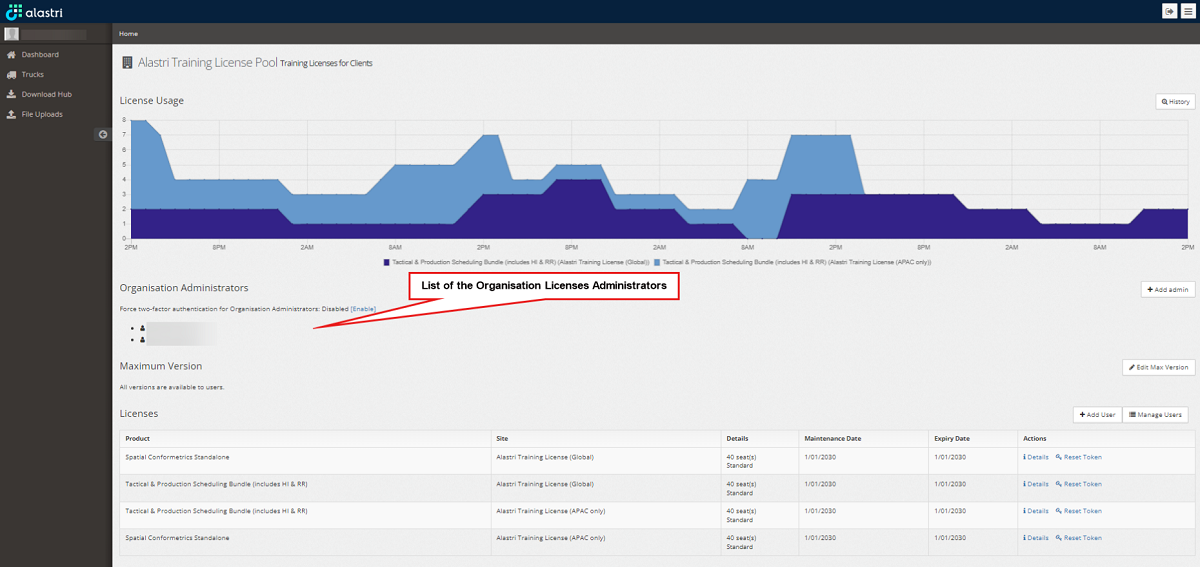
The administrator you added will appear in the list of Organisation Administrators.
Remove Organisation Administrator
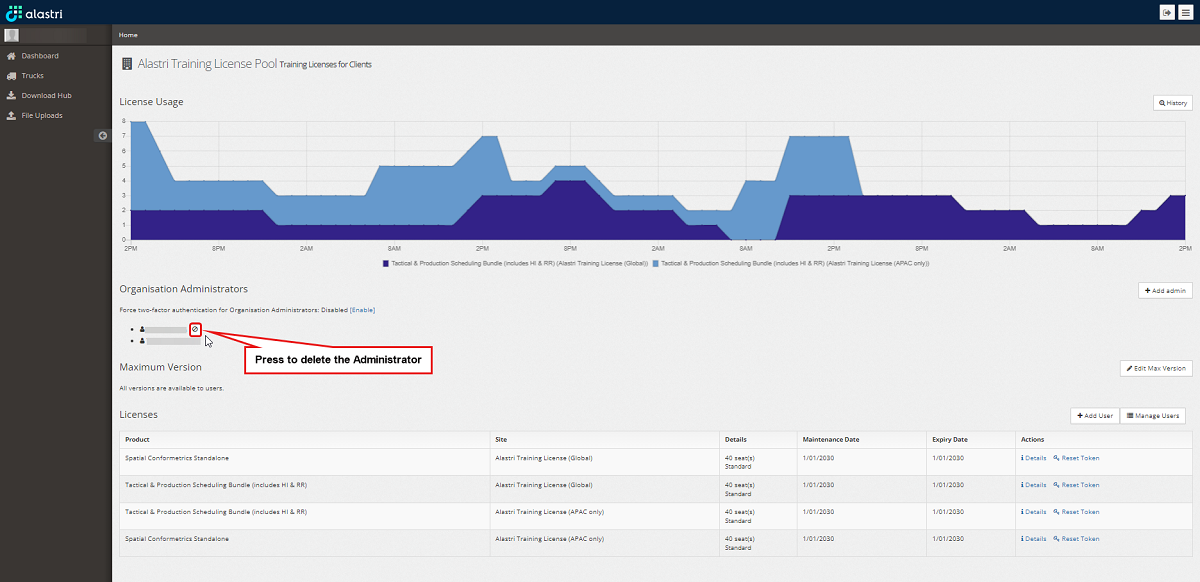
To delete an existing administrator from your organisation license pool, press delete icon next to the Administrator’s name, as shown below: