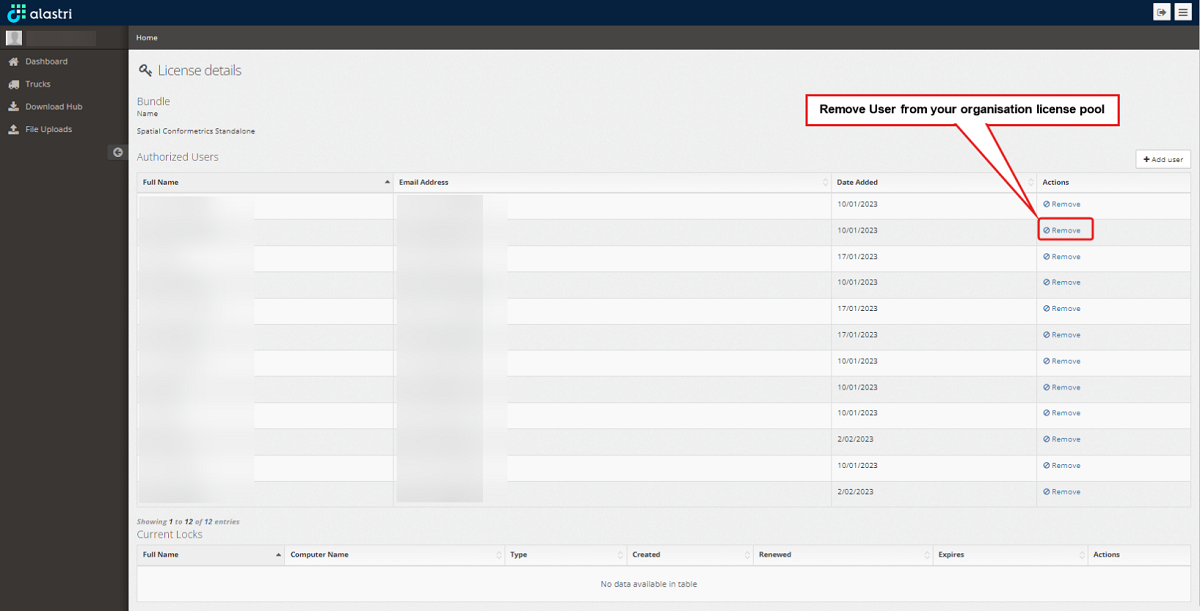
Delete existing users
As an Administrator you can manage the user access including removing user access.
-
Begin by logging into the Alastri licensing website https://licensing.alastri.com.au/.
-
Click on the Manage tab.
-
Click on the Details option for the required product.
-
On the organisation license details page, remove the required users access.