Surfaces
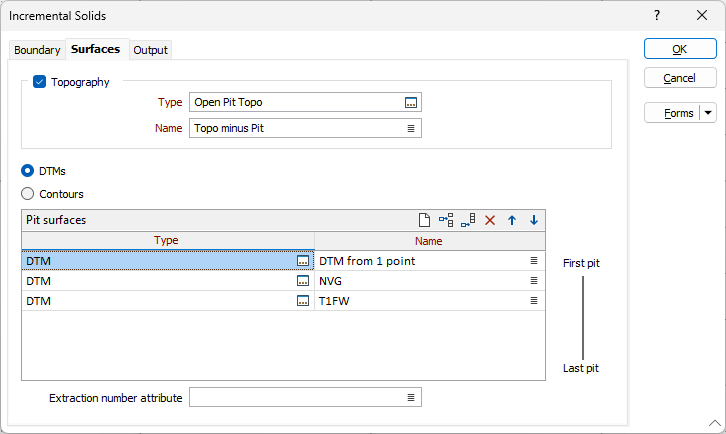
On the Surfaces tab of the Incremental Solids form, specify whether topography or DTMs/Contours will be used to cut the block model.
Topography
Select this option to specify the type and name of a topographic surface. You can also use the Pick from Vizex button (or select the context menu option where available) to collapse the form and interactively select the required Wireframe to insert and return to the form.
DTMs
Select this option to specify one or more DTMs.
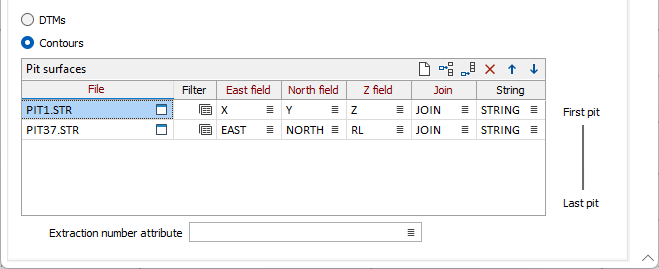
Contours
Select this option to specify one or more Contour files.
Extraction number attribute
Specify the name of the attribute that contains extraction numbers. Extraction numbers are unique number assigned to an identifiable “extraction” of which a block forms part.