Drillhole Collection Export Manager
The Drillhole Collection Exports manager provides functionality to view the progress log details of your Drillhole Collection Exports, as well as Add and Delete collections.
To open the manager, in the Drillhole group on the Micromine Geobank Home ribbon,
-
Click Exports.

The Drillhole Collections Exports manager opens.
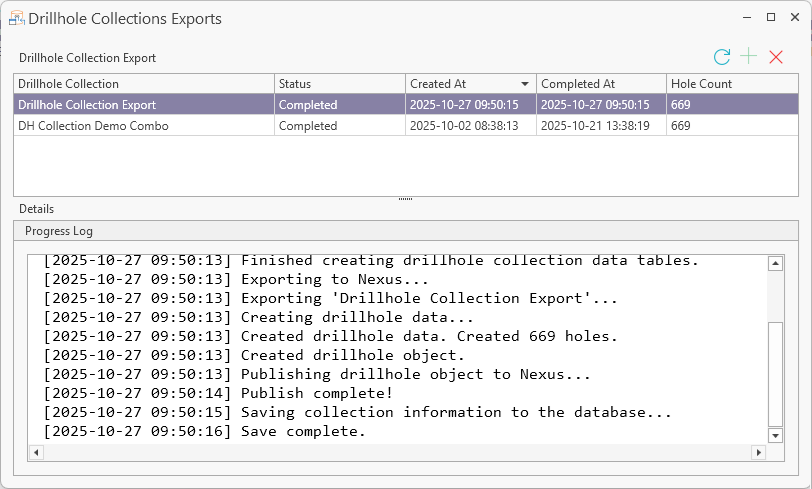
The Drillhole Collection Export grid displays all of the drillhole collection exports that have been published from Micromine Geobank.
Each row in the grid displays:
-
The name of the Drillhole Collection
-
The current Status for the drillhole collection.
-
The Created At date and time of the last Publish action for the collection.
-
The Completed At date and time of the last Publish action for the collection.
-
The Hole Count; which is the number of drillholes in the collection.
The Refresh button in the Drillhole Collection Manager ribbon will update the current status of the collections in the list.

You can add a new, unpublished Drillhole Collection to the Manager using the Add button.
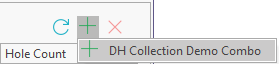
This will open the Publish prompt:
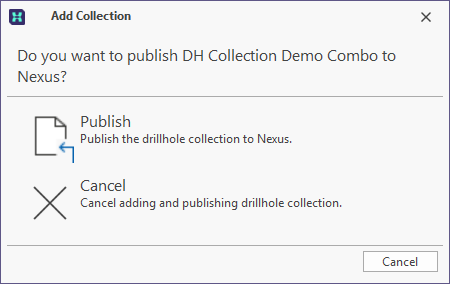
You can click Publish to synch the Drillhole Collection Export with the linked project. The details for the published collection will be displayed in the Drillhole Collection Export grid of the Manager.
If you double click a Drillhole collection in the list, it will open in a new tab. You can click the Publish button to update the published entry in the linked project.
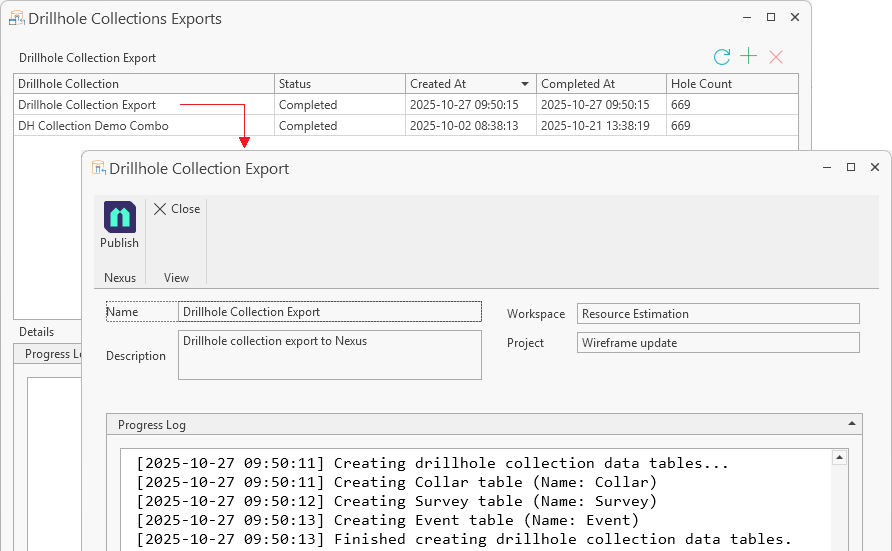
Selected collections can be deleted from the list using the Delete button at the top right.
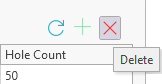
Note: Completed publish entries contain information on the entry in Nexus with which the drillhole collection is linked. Deleting completed entries will break the link with Nexus. If a user attempts to republish the drillhole collection for the deleted entry, an error will occur, as the collection Name exists in the Nexus project. To publish a deleted entry again, the entry in Nexus must first be deleted/removed. When the Nexus entry is removed, the drillhole collection can be published again. However, a new entry will be created in Nexus and not a new version of the previous collection. For more information, see the Remove topic in the Nexus Online Help via the link.
If you select a collection from the list and click Delete, a prompt will be displayed.
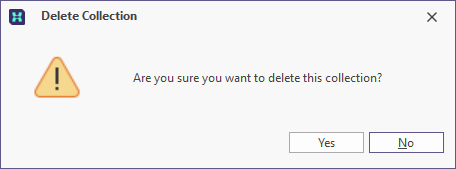
Clicking Yes in the prompt will delete the selected collection. If the publish action is currently running, it will be cancelled.
To close the Collections Manager,
-
Click the cross at the top right-hand corner of the tab or window.
For information on creating Datasets, see Drillhole Dataset.
For information on creating Drillhole Collection Exports, see Drillhole Collection Export.
For information on creating folders for your Drillhole Collections, see Folder.