Exporting Mobile UI Configuration
The reference data groups used for mobile UI configuration can be exported in a single spreadsheet and downloaded to the browser. This file can then be used to import the modified groups on another system.
Note: All MobileUserInterface reference data groups must be deployed for the option to be enabled. See Deploying Default Mobile UI Configuration.
For information on importing Mobile UI Configuration, see Importing Default Mobile UI Configuration.
When the relevant reference data groups have been deployed, to export the Mobile UI configuration, in Portal;
-
Open the Reference Edit service.
-
From the Other Actions drop down, select Export Mobile Reference Data.
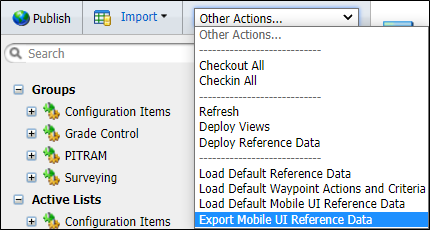
The Export dialog will open.
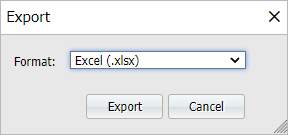
The Format drop down displays the file format for the export - in this case .xlsx.
-
Click Export to create the spreadsheet with the UI reference data.
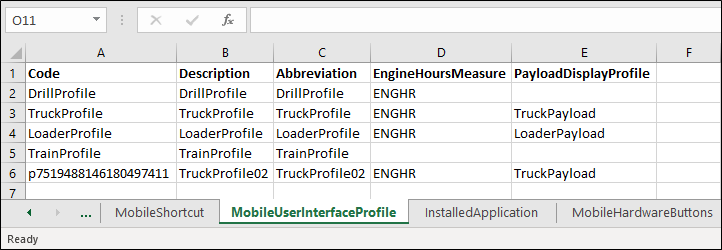
The file will be created and saved to your default Downloads folder. The exported file contains several tabs with the exported reference data collected.