Summary
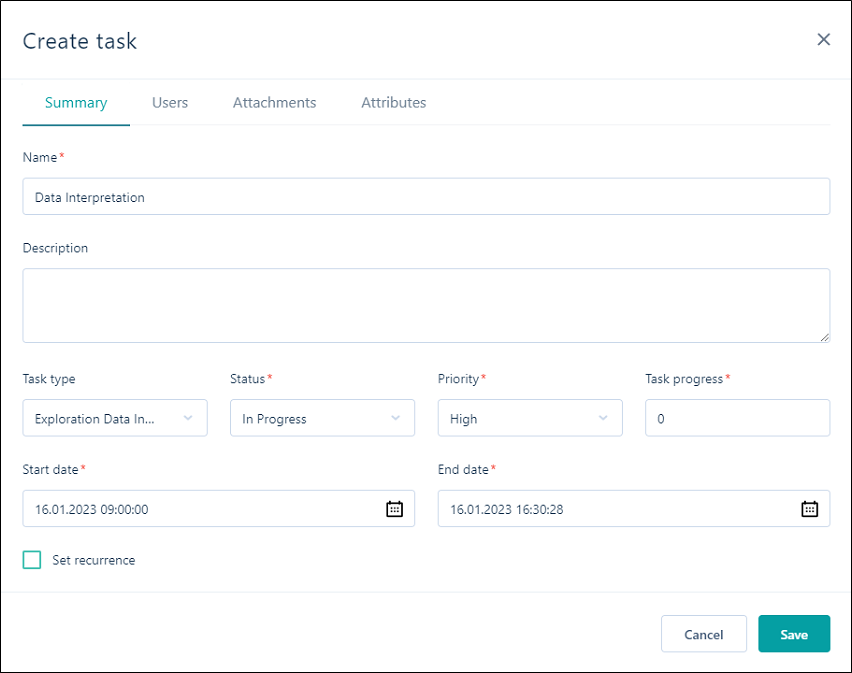
On the Summary tab of the Task Properties dialog, set the summary properties of the task. * A red asterix indicates a mandatory field.
Name & Description
Enter a Name and a Description for the task:
Task Type
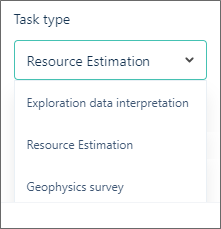
Select the type of the task. Task types, their statuses and priorities, are configured by an administrator in the Administration | Task Types window. The tasks that you can create in a workspace, are limited to the task types selected as part of your workspace settings.
Status
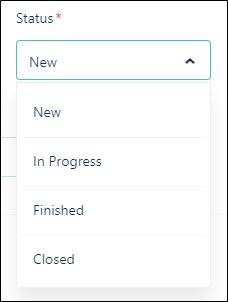
Set the status of the task. The statuses you can select will depend on the task type.
Priority
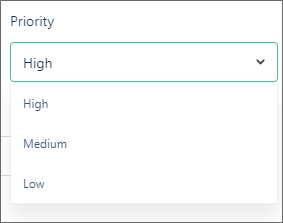
Set the priority of the task. The priorities you can select will depend on the task type.
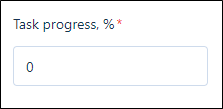
Task progress %
Enter the percentage of progress for the new task, or leave the default of 0. This value can be updated as completion of the task progresses.
Start & End Date
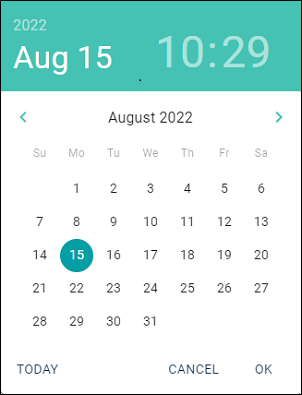
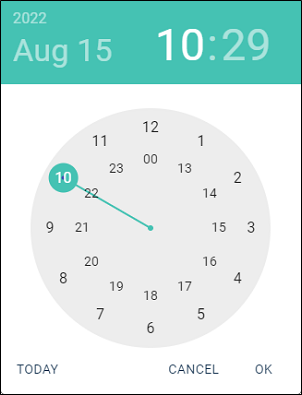
Use the Calendar controls to specify the duration of the task. Select the date in the calendar and the clock will be displayed to let you set the time component:
|
|
Note:
-
The end date of a task cannot be less than or equal to the start date of the task.
-
The start date of a subtask cannot be less than the start date of its parent task.
-
The start/end date of a subtask cannot be greater than the end date of its parent task.
Set recurrence
To set the task as recurring, select the Set recurrence check box. This will enable the recurrence settings for the task.
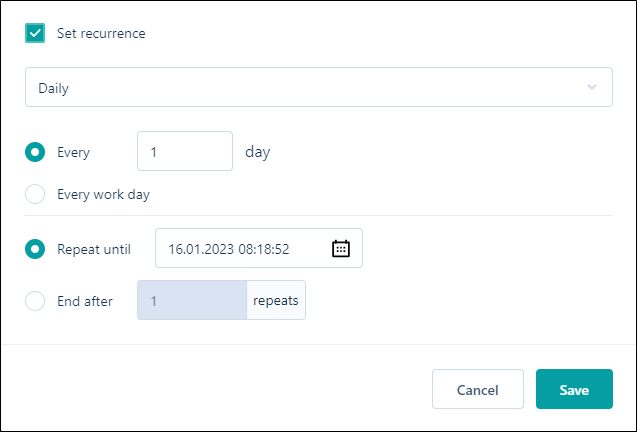
For information on configuring task recurrence, see Recurring Tasks.
Set the remaining properties of the task.