Dependencies
See: Filters
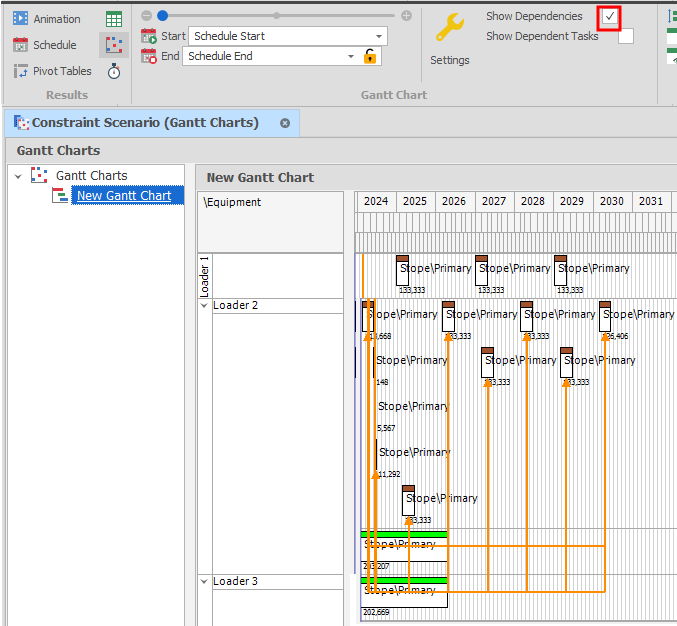
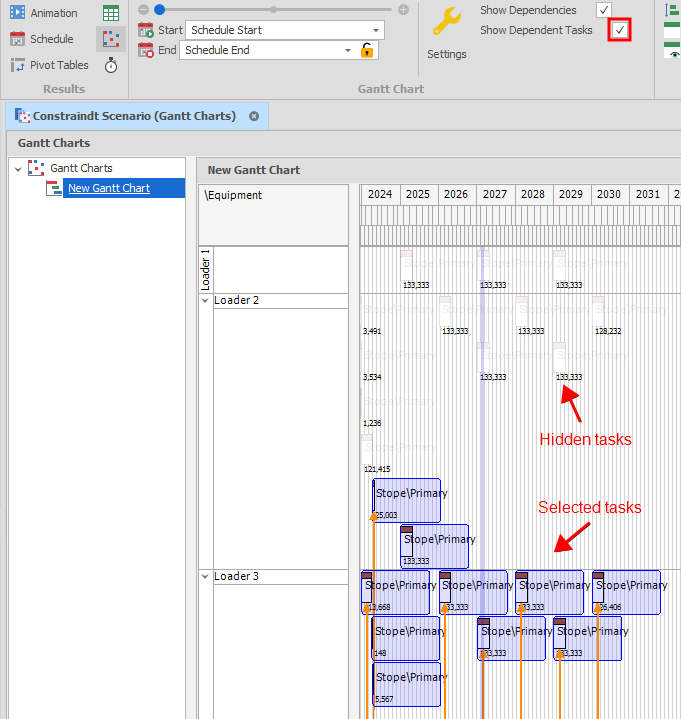
When the Show Dependencies check box is selected, click the Show Dependent Tasks check box to only show selected tasks and their dependent tasks. Tasks that aren't selected will be hidden.
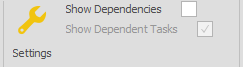
If you untick the Show dependencies check box, the state of the Show Dependent Tasks check box and its behaviour is preserved.
The colour of the dependency lines are based on animation-dependency-predecessor-colour and animation-dependency-successor-colour settings in All Settings.