Register Polyline

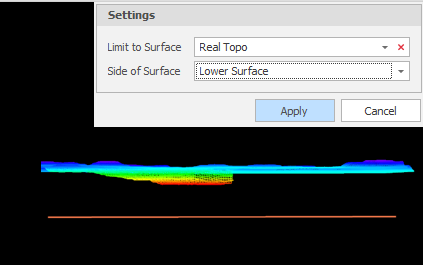
On the Shape tab, in the Move/Copy group: Click Register Polyline to adjust the Z values of one or more polylines such that they follow the topography of a selected surface or solid. (Ctrl+Q,R) In the case of a solid, the upper or the lower surface of the solid can be limited to.

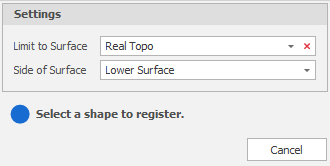
  1. Select a surface to limit to.

  2. Choose the (Upper, Lower) side of the surface to limit to.

  3. Select a shape to register that shape:
    If the shape you want to register is already selected, click Apply to register the shape: