Denials
The Denials report displays information on the number of licence 'denials' over a specified period of time, either by Person or by Licence.
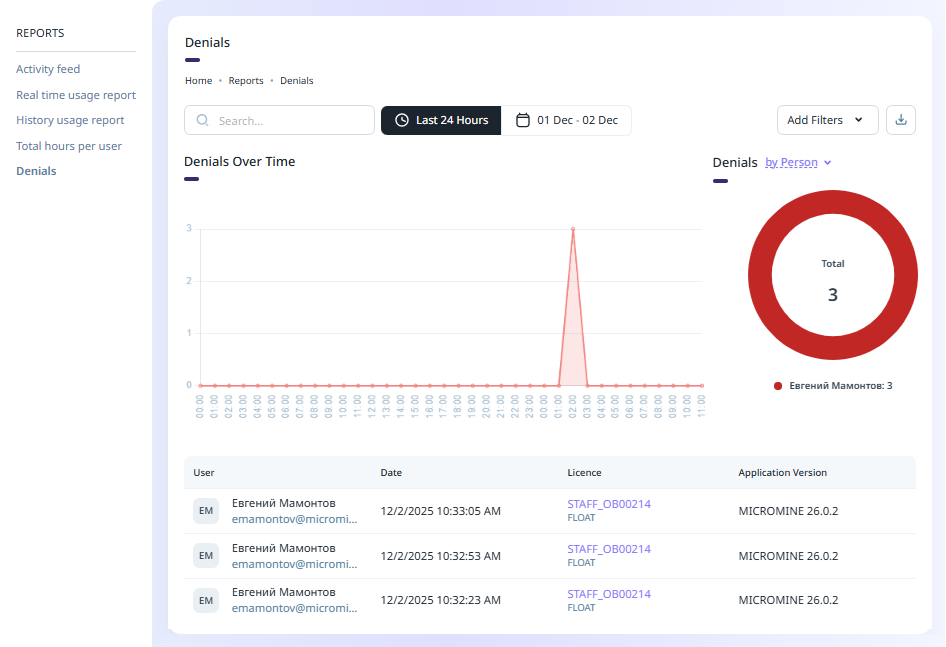
A denial occurs when, for example, 1 licence seat is available but more than one unique user attempts to access the licence.
The Date filter can be set to a selection of available time/date filters or a custom range of dates to filter the information.
The Add Filters drop down contains options to enable the filters for the information.
The report can be saved to PDF or a CSV file using the Download menu at the top right:
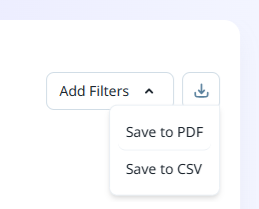
If you select Save to PDF, the report information will be saved to a graphical table in a PDF file, automatically named with the report name and saved to your Downloads folder.
If you select Save to CSV, the report information will be saved to a CSV spreadsheet, also named for the report and saved to Downloads.
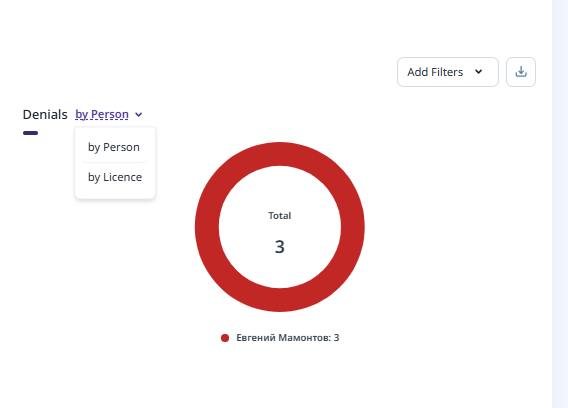
The Denials report can be displayed by Person or by Licence using the drop down above the Donut:
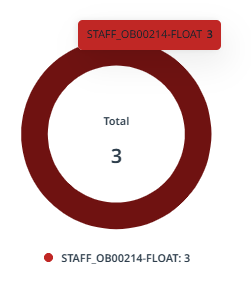
If you hover on a segment of the donut, information on the selected segment will be displayed:
The grid at the bottom of the Denials report page displays information on the denials in the selected date range; including the User name, the date on which the denial occurred, and the applicable licence and application version for the denial.
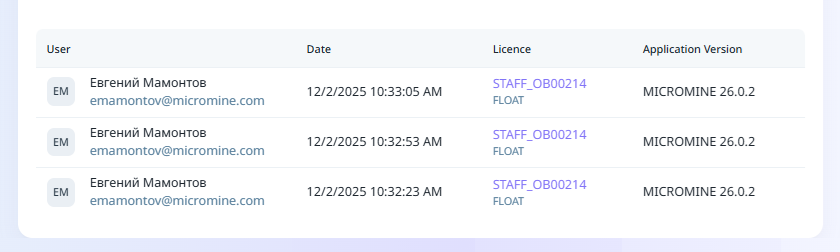
You can select a User or a Licence in the grid to navigate to the User or the Licence details respectively.