Activity Feed
The Activity Feed tab of the Reports page displays an audit list of the actions that have been performed with your company licences.
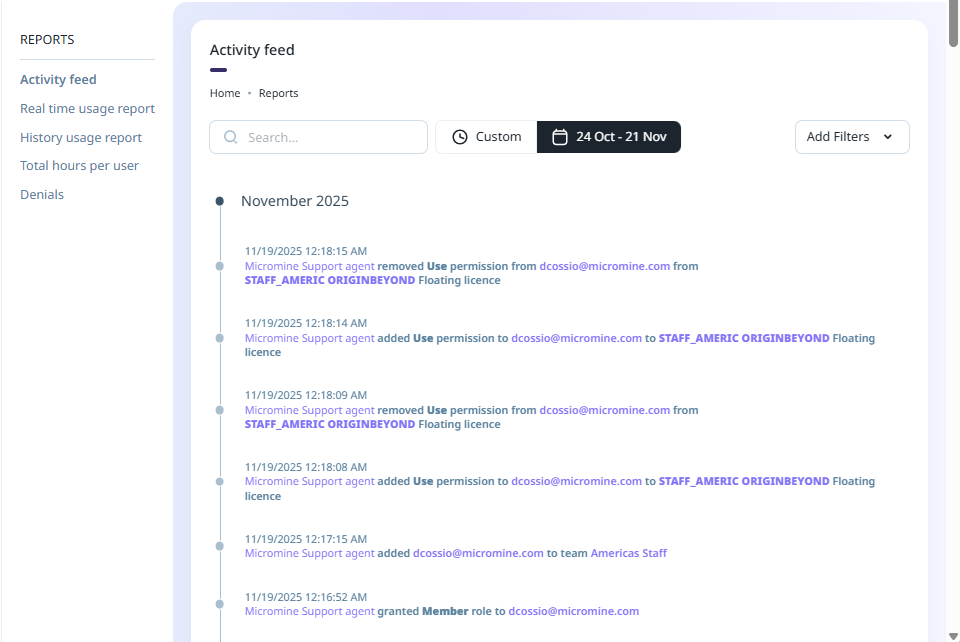
Each entry in the activity feed list displays:
-
The date and time at which the action occurred;
-
The name of the user who performed the action;
-
A description of the action performed;
-
The name of the user affected by the action (where applicable);
-
The licence upon which the action was performed (where applicable); and,
-
The type of licence on which the action was performed (where applicable).
You can filter the information displayed in the activity feed in a number of ways:
-
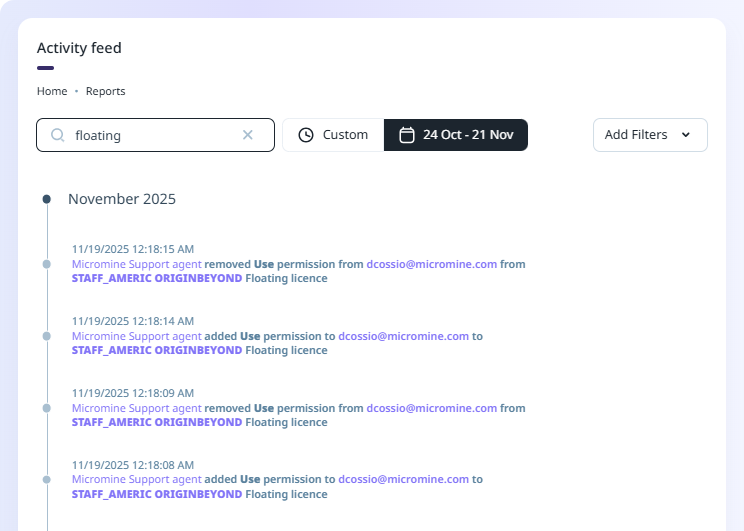
The Search field at the top of the activity feed list allows you to find specific instances of activity by searching the displayed activity for text and licence numbers:
-
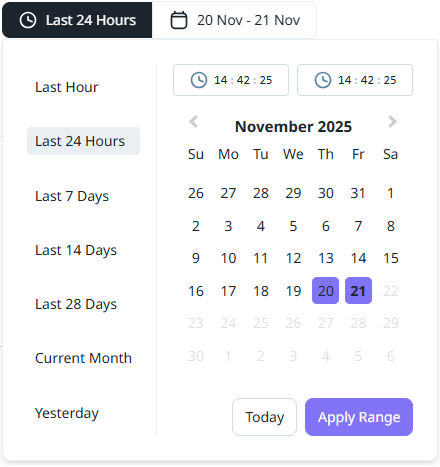
The Date filter can be set to a selection of available time/date filters or a custom range of dates to filter the information.
-
The Add Filters drop down contains options to enable the filters for the information.
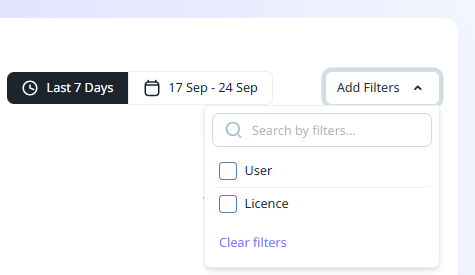
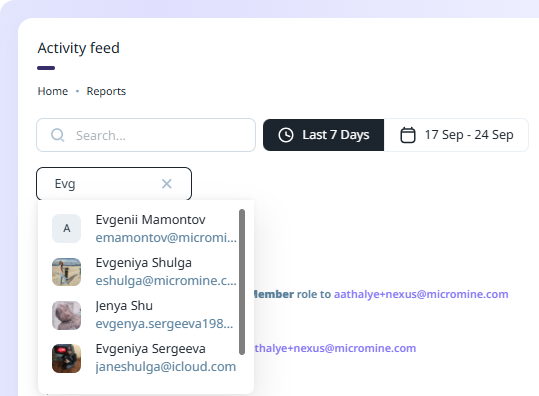
If you select the User option, the Search Users field is enabled and you can search for and filter by User:
If you select the Licence option, the Licence drop down is enabled and you can filter the Activity List by selected licences. For each licence you select from the drop down, a filter will be applied:
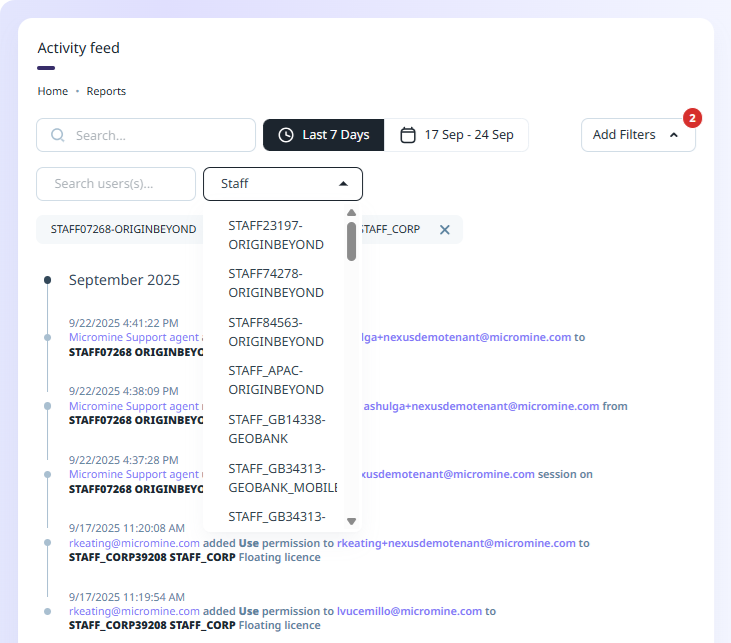
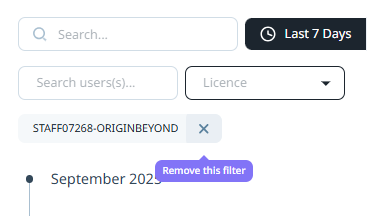
Each Licence you select from the drop down is added as a filter and displayed above the list as a removable label. You can remove a filter by clicking the X at the right of the label:
In some reports, the Product option is also available:
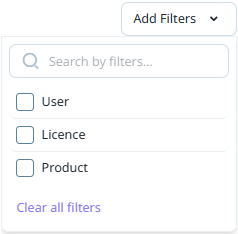
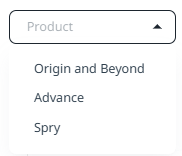
If you select the Product option, the Product drop down is enabled and you can filter the report by the selected product:
The number of enabled filter types (User, Licence etc) is displayed as an alert label on the Add Filters drop down.
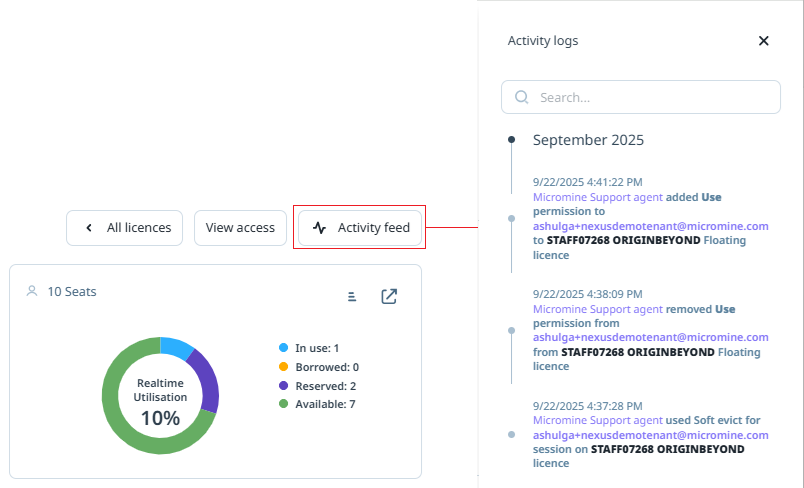
The Activity Feed for a specific licence can be opened from the Licences details page for the licence using the Activity Feed button: