To Grid

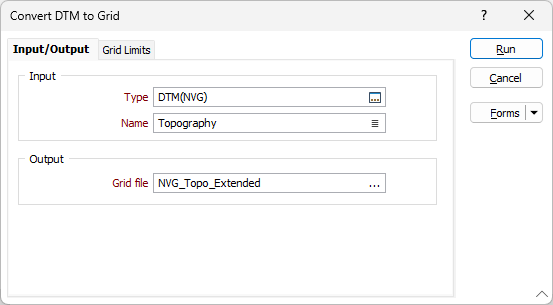
Input
Select the Type of the input wireframe and then the Name of a wireframe of that type. You can also use the Pick from Vizex button (or select the context menu option where available) to collapse the form and interactively select the required Wireframe to insert and return to the form.
Output
Enter (or double-click F3 to select) the name of the output Grid file.
Forms
Click the Forms button to select and open a saved form set, or if a form set has been loaded, save the current form set.