New Significant Intercept
The Significant Intercepts tool is used to report on significant intercepts for multiple elements. A significant intercept is an interval with a grade within a specified cutoff range.
Significant Intercept processes are configured and added to a user profile. To create a Significant Intercept process,
-
Right-click on the Significant Intercepts node of the navigation tree in the Drillhole Utilities group and select New | Significant Intercept.
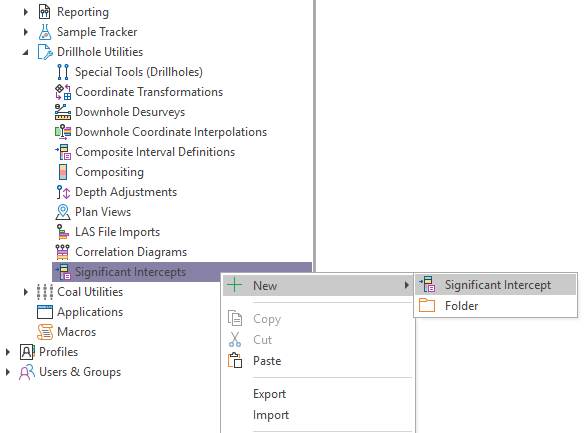
The Significant Intercept Property Editor is opened.
General
In the General tab of the Property Editor, you can enter a unique Name and a Description for the new significant intercept.
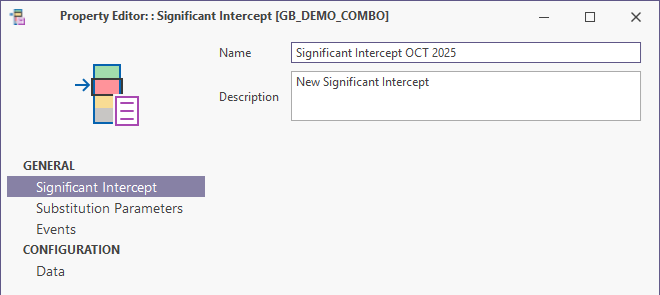
When the details have been entered,
-
Select the Substitution Parameters tab.
Substitution Parameters
In the Substitution Parameters tab, the required substitution parameters for the Significant Intercept are included by default. These are the parameters that will be displayed in the Substitution Parameters form when running the Significant Intercept.
When you define a query (on a database, for a graphic report, for a data view, as part of a configured process) you can set local substitution parameters in the Substitutions page of the Property Editor. Unlike the global substitutions that are configured and applied across the application, local substitutions are applied on an object-by-object basis.
You can use the defaults and add additional parameters if required: See Local Substitution Parameters.
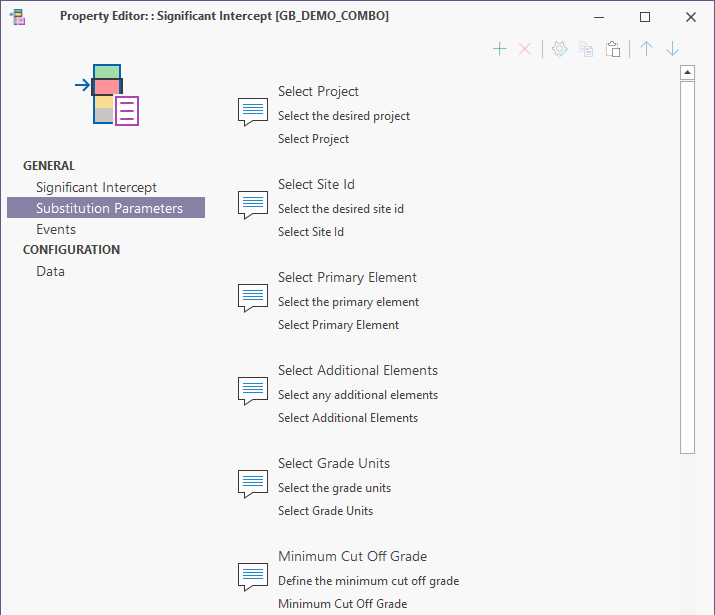
When the substitution parameters have been configured,
-
Select the Events tab of the Property Editor.
Events
In the Events tab, you can configure the messages to be shown, or the scripts to be executed for the significant intercept when it is opened or closed.
The queries you configure on this tab are normally used to interact with database objects (such as temporary tables) that are used during execution of the process. The inclusion of these events allows a process to perform functions that would previously have required you to build a Micromine Geobank macro.
An event query cannot contain substitution parameters and must not return a result set.
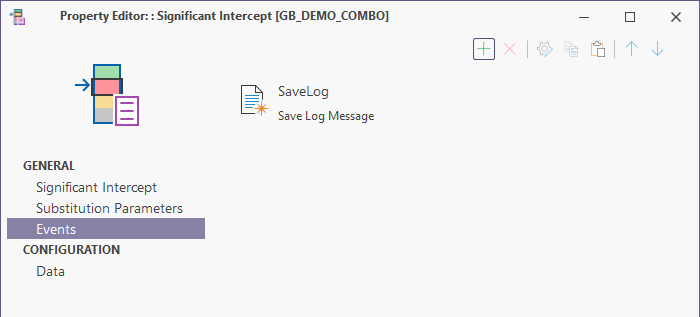
When any required events have been added to the significant intercept,
-
Select the Data tab in the Configuration group.
Data
In the Data tab, you can select whether to use a standard system query or custom SQL to build the significant intercept report.
Standard System Query
In order to use Standard System Query to build the report, your current database structure must be compatible with the standard Geobank model. The standard system query that will be applied is displayed in the SQL panel when Use a customised query is selected.
Customised Query
The Use a customised query option enables the SQL details with the default system query displayed.
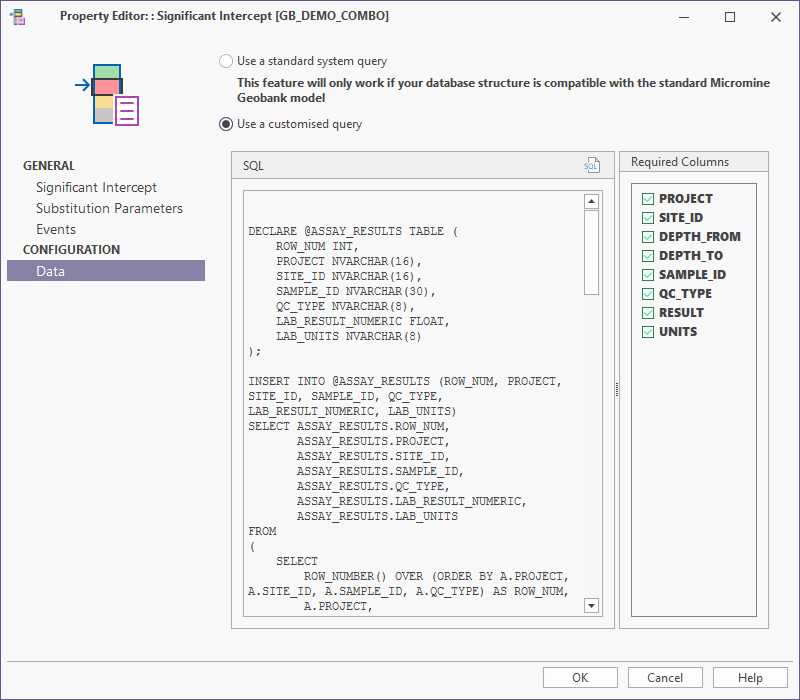
To modify the query for the significant intercept,
-
Click the SQL button to open the SQL Editor.
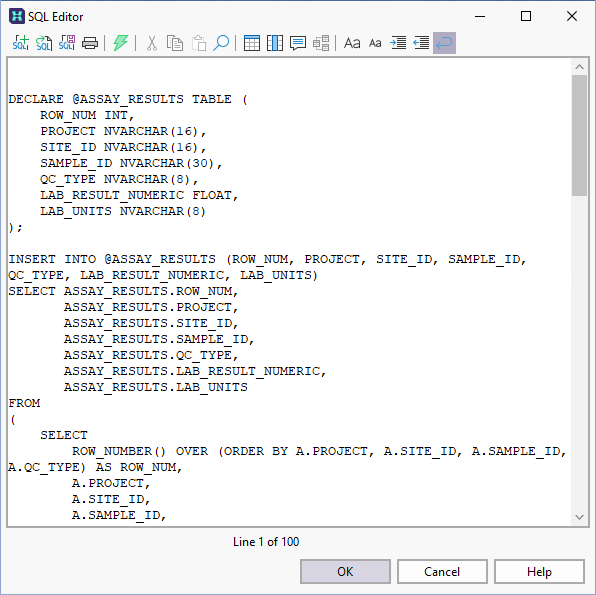
About customised queries
To create a valid custom query for the Significant Intercept tool, a number of Sample Tracker tables must be included.
The default query for retrieving Assay data for processing requires:
-
ST_RESULT
-
ST_DESPATCH_SAMPLE, and
-
GB_SAMPLE
The default substitution parameters also require:
-
ST_XS_UNIT
If unit conversions must be performed for the significant intercept, the following table is required:
-
ST_XS_UNIT_CONVERT
When the information on the Data tab has been configured as required,
-
Click OK to save the new significant intercept.
For information on executing a significant intercept, see Significant Intercepts