Update Collars for Logging
The Logging Manager component of Data Transfer lets users update logging lookups, update collars for logging and synchronise completed logs with the central Micromine Geobank server in the site office.
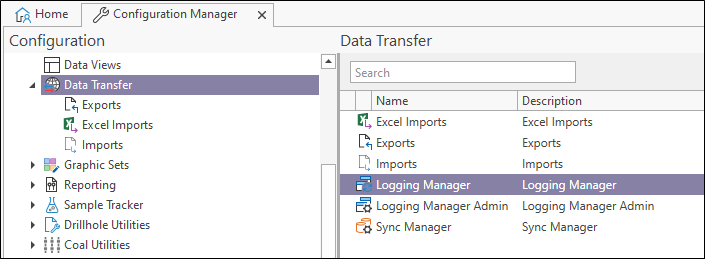
In the Configuration Manager, under Data Transfer, double click the Logging Manager option to open Logging Manager.
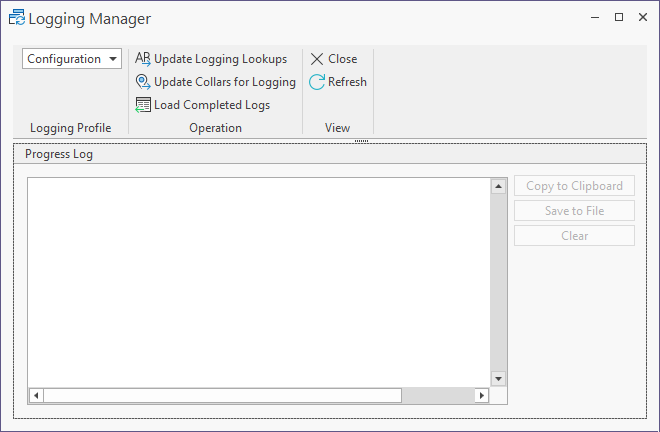
The logging manager links created in Logging Manager Admin can be selected from the drop-down at the top left of the Logging Manager.
For information on creating logging manager links for use with the Logging Manager, see Create Logging Manager Links.
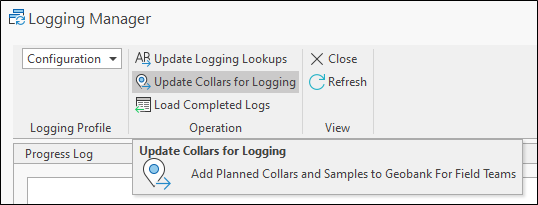
The Update Collars for Logging button is used to collect the planned collars for the logging profile from the configured central database.
-
Click the Update Collars for Logging button to synchronise the planned collars for the logging profile.
Updated Collars for Logging is executed and the Progress Log displays time stamped information on the steps in the process.
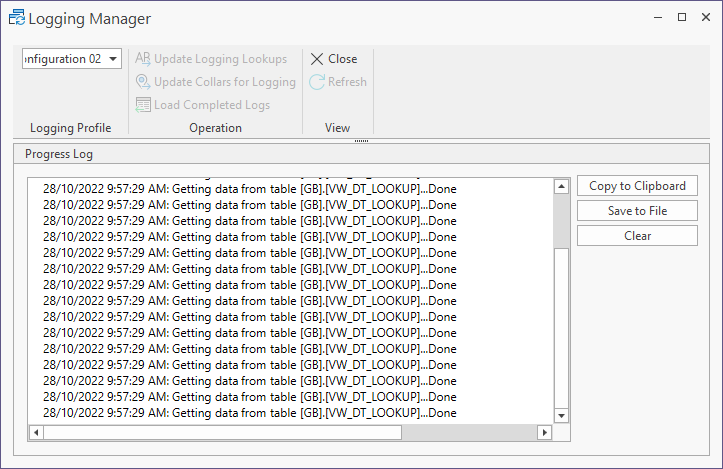
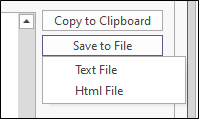
When the process is completed, you can use the Copy to Clipboard button to take a copy of the text and paste it to a document, or save the log as a text or html file using the Save to File button.
The log can be cleared from the Progress Log window using the Clear button.
With the lookups and collars updated, logging can be carried out and then synchronised with the central database using Load Completed Logs.