Production Scheduler (APS)
This
 Project Setup
Production Mode Features
In the Production Mode Features step, you can now set the Default Blast Duration (Hours) in the Feature Settings panel.
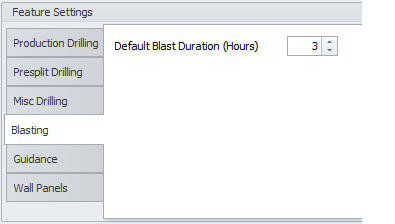
This default value is used when adding a single blast sequence bar to the Scheduling Gantt.
Mutex Record Subsets
In the Mutex Record Subsets step, an Allow Unassigned check box is now available, however by default this check box is turned off to make sure all records have been appropriately assigned to a subset.
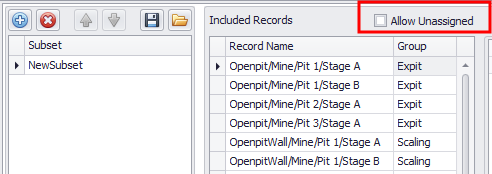
Since new reserves default to Unassigned, ticking this option is not recommended as it could lead to unwanted behaviour or incorrect results if the subsets are used in Scheduling Logic or Reporting.
Guidance Subsets
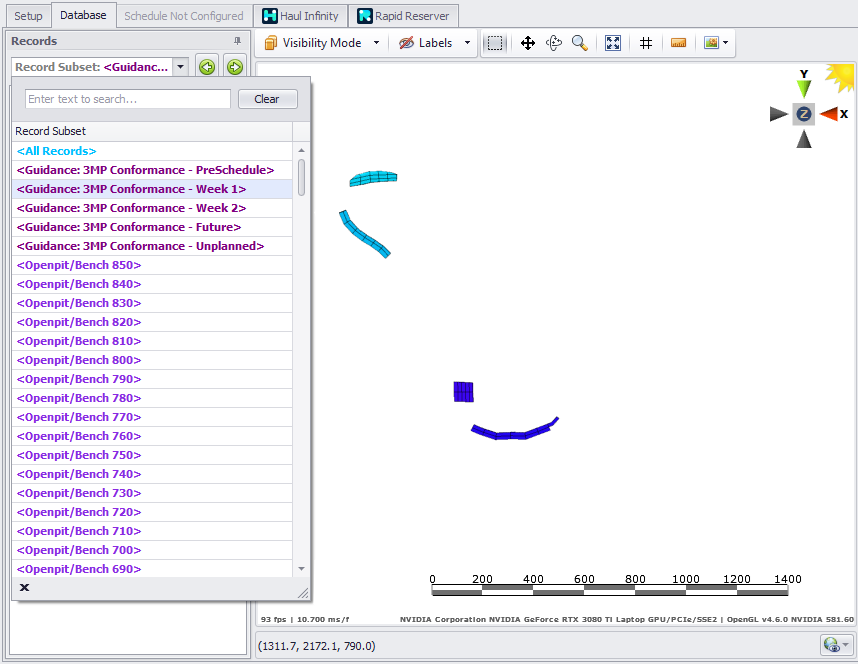
In the Guidance Schedules step, record subsets are now automatically created based on the guidance categories.
Reports
Chrono Reports
When viewing the final report on the Table tab, a new Display menu at the top-right of the tab now provides three options:
- Blank Zero Cells - Will show a blank cell rather than a zero value.
-
Hide Zero Rows - Will hide a row if all values are zero.
-
Show Totals - Will add a Total column to the right side of the table.
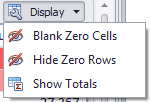
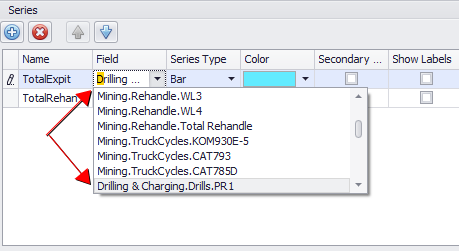
Chart setup
When you setup a Chrono Report, fields hidden in the Chrono Report (in Table Setup) are now excluded from the list of fields you can select in Chart setup.