Total Hours per User
The Total hours per user tab of the Reports page provides a heatmap of the number of usage hours of any licence per user across a period of the last 28 days.
-
Click Total hours per user on the menu at the left to navigate to the Total hours per user page.
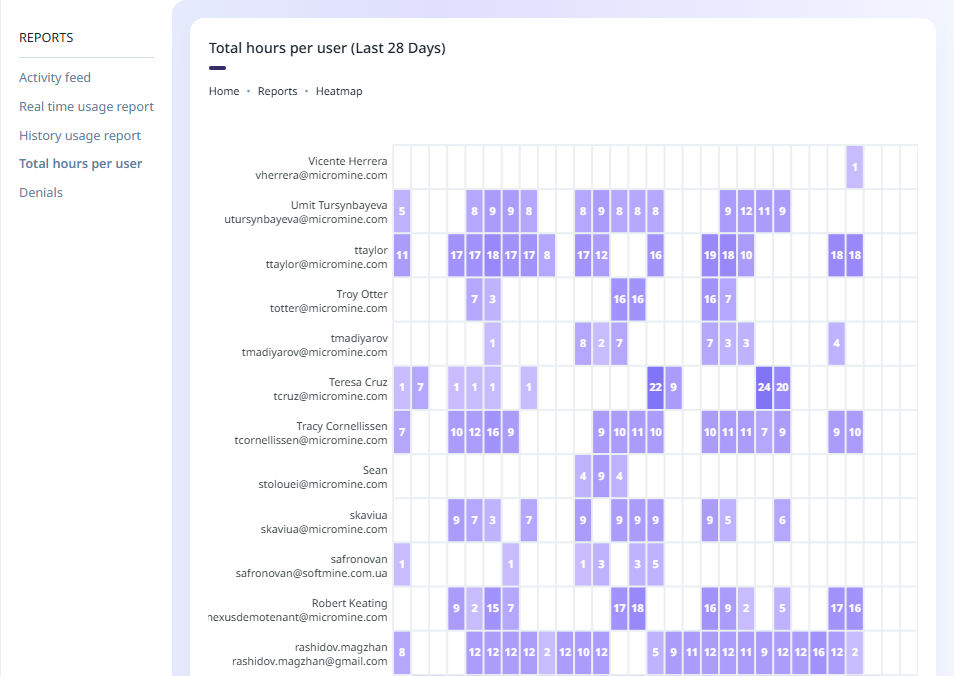
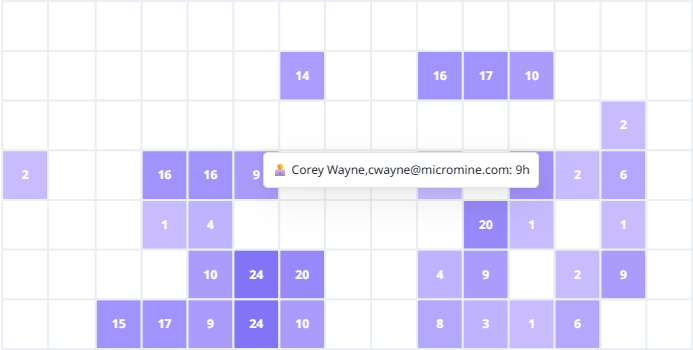
Users are listed vertically at the left of the heatmap, while the dates for the last 28 days are listed horizontally along the bottom. Each session for the user is represented by a heatmap point - the darker the point, the longer the session (in hours). If you hover on an instance; details of the user, their Micromine ID email and the number of hours for the session is displayed: