Attributes
The files you upload to Nexus, at the workspace library, the project level, or tasks level, are stored as objects + metadata. This metadata includes the file types and the attributes you have associated with the (Micromine and third-party) files you have uploaded, as well as any task types and attributes associated with tasks to which you have uploaded files.
To manage attributes, you must be an administrator:
-
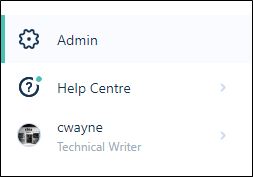
On the Navigation menu, click Admin to open the Administration window:
-
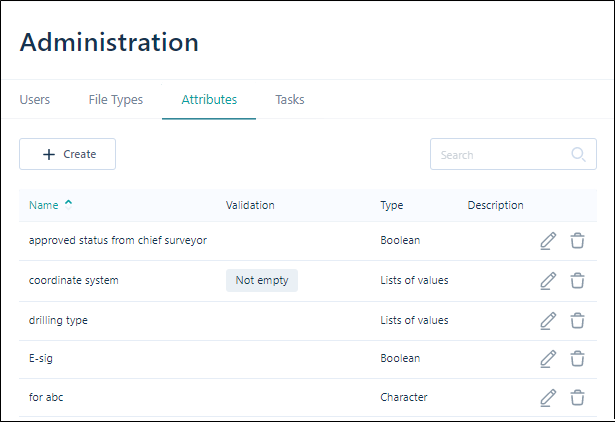
Click to select the Attributes tab:
Create
To create an attribute:
-
Click Create above the list of Attributes:
-
Set the properties of the attribute in the Create Attributes dialog.
Edit
To edit the properties of an attribute:
-
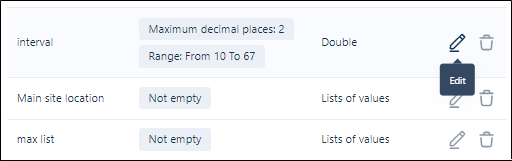
Click on the Edit icon at the far right of the attribute row.
-
Set the properties of the attribute in the Edit Attribute dialog.
Delete
To delete an attribute:
-
Click on the Delete icon at the far right of the attribute row.
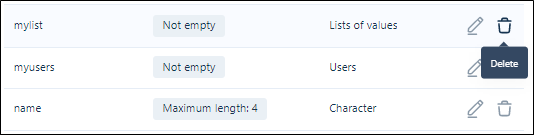
You will be prompted to confirm the deletion.