To create a Logging Profile:
- Select File | Select Logging Profile or click the Select Logging Profile button (CTRL + L) on the toolbar:

- Click the Add Logging Profile button:

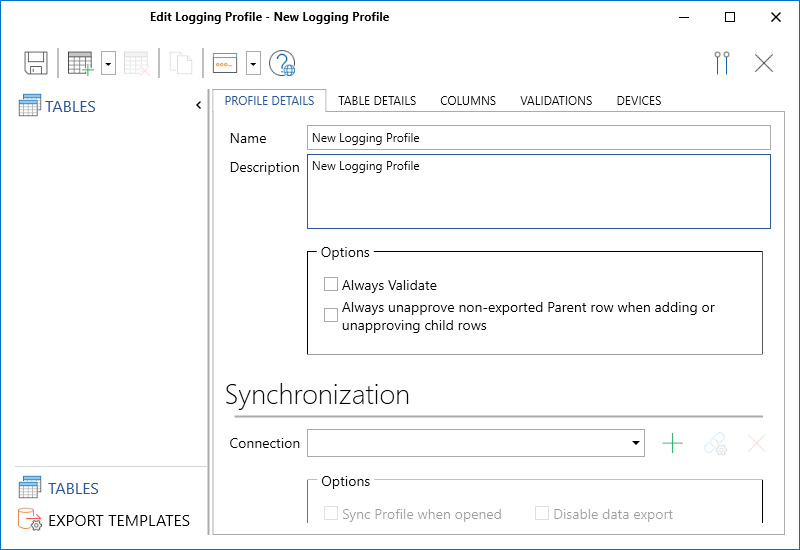
- New Logging Profile is the default name for the new profile. Enter a Name and a Description.
- To setup the properties of the profile, see Edit a Logging Profile
You can also create a Logging Profile by copying or cloning an existing profile. See: Clone a Logging Profile
Micromine Geobank For Field Teams is designed to work with a separate lookup table for each logging code category. It is possible to use a single multi-category table, but this has a significant impact on the performance of lookup selection and validation thus is not recommended.