To promote consistency and to save time, you can create a Logging Profile using an existing Logging Profile as a template. This is known as "cloning".
Do the following:
- Select a Logging Profile that you wish to clone.
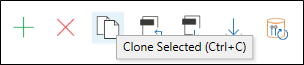
- In the Logging Profile Manager, click the "Clone Selected"button icon
 .
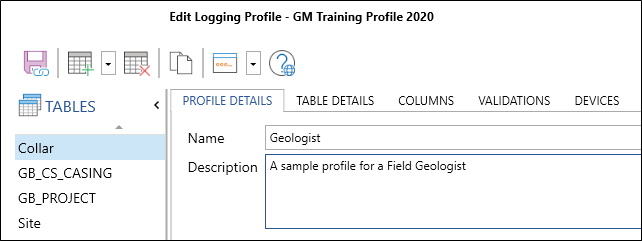
. - To rename the cloned Logging Profile, change the Name and Description.
- Edit the new Logging Profile as required.
Save
After creating or editing a table, click the Save button to save your work. When a server connection is active, a Sync icon is visible on the Save button.
| Option | Description |
|---|---|
|
|
Click the Save and Sync button to save the changes you have made to the Logging Profile and synchronise those changes back to the server database. |
|
|
Click the Save button to save the changes you have made to the Logging Profile. |
|
|
Click the Close button to close the dialog. |
|
|
Click the Help button to view the online help for this dialog. |


