Users
The Users tab of the Sync Manager displays the User Registrations for all of the registered databases.
Note: Managing User Registrations in the Sync Manager should be performed in the Central system.
The User Registrations panel in the Central system Sync Manager displays a User Name and Host Name for each user associated with one or more registered databases.
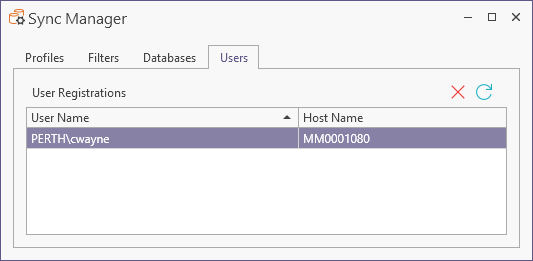
The Refresh button at the top right of the Users tab will synchronise the list with the most up to date User Registrations.
You can Remove a selected user from the list using the button provided.
When a sync operation is properly configured, and databases have been authorised, you can create Linked Operations to sync your data using the process outlined in Synchronisation Setup.