Database Engine
As detailed in System Requirements, when a Micromine Geobank system is setup for your company it requires databases on a SQL Server instance on a Database server machine. All users (client/local machines) then connect to the central corporate Geobank database.
Standalone Geobank Instances
Micromine Geobank can connect to a standalone database on a local machine. This is useful for testing as well as if the local machine is intended for use offline, disconnected from the network.
The local machine database engine could be a SQL Server Express (or higher) instance installed on the machine. An alternative to installing a local SQL Server instance is to use SQL LocalDB, which is already installed by the Geobank Installer so does not require any further installation by the user.
Using LocalDB
If your licence has the Coal Logging module, use the following steps:
-
On the local machine, check or add this folder: C:\ProgramData\Micromine\Geobank\Deployment.
-
Place backups of a model and config database into this folder (max SQL version 15.0)
-
These should be named: Field_Coal_Config.bak and Field_Coal_Model.bak
-
When Geobank starts up it will check whether these files exist and, if not previously restored, it will restore them to the (LocalDb)\GBSQL2019 instance; which the software will setup for this purpose.
-
If this does not occur, check that the option under Database Deployment is set to false, then retry.
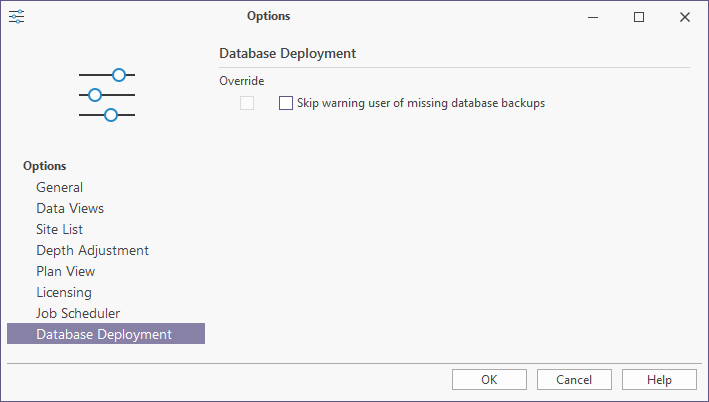
-
-
The files for these local DB databases are stored in C:\ProgramData\Micromine\Geobank\Field Databases, so ensure the user has full permissions to this folder.