About
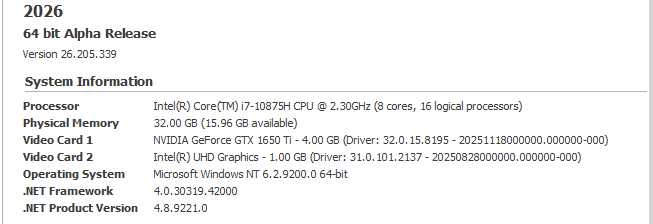
The About page on the File backstage menu provides product version information, system information, access to support services and the online help.
Support
-
Select About | Support | Advance Help to open the application online help in the browser.
-
Select About | Support | Send Feedback to send feedback about the application or ask for assistance.
-
Select About | Support | Check for Updates to view update information.
-
Select About | Support | Update History to open a What's New start page which highlights recently added new features and enhancements.
-
Select About | Support | Windows Event Logs to view application diagnostic information.
Support Tools
-
Select About | Support Tools | TeamViewer to allow Micromine Advance Support to temporarily access your computer in response to a support request.