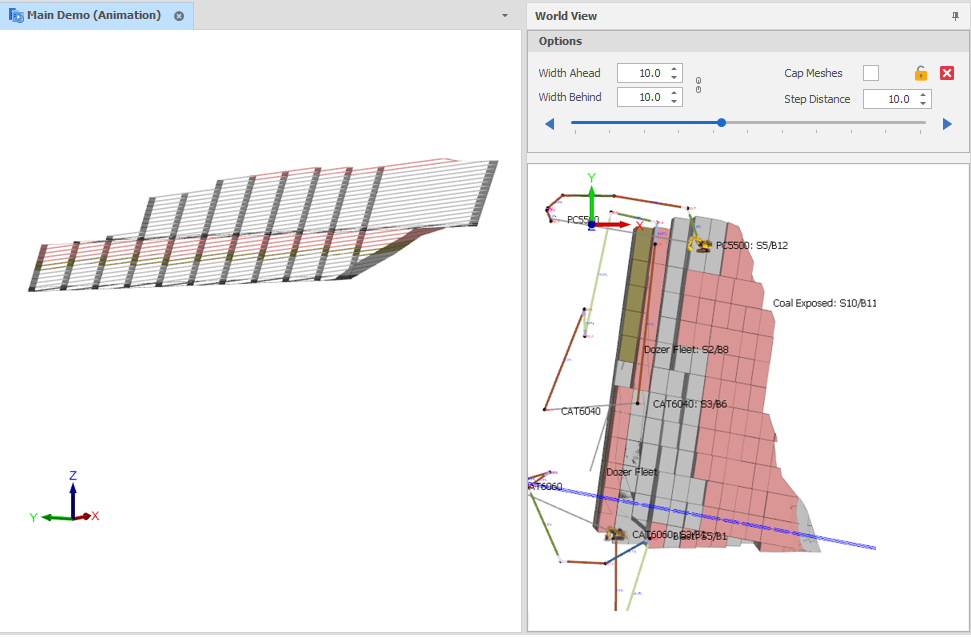
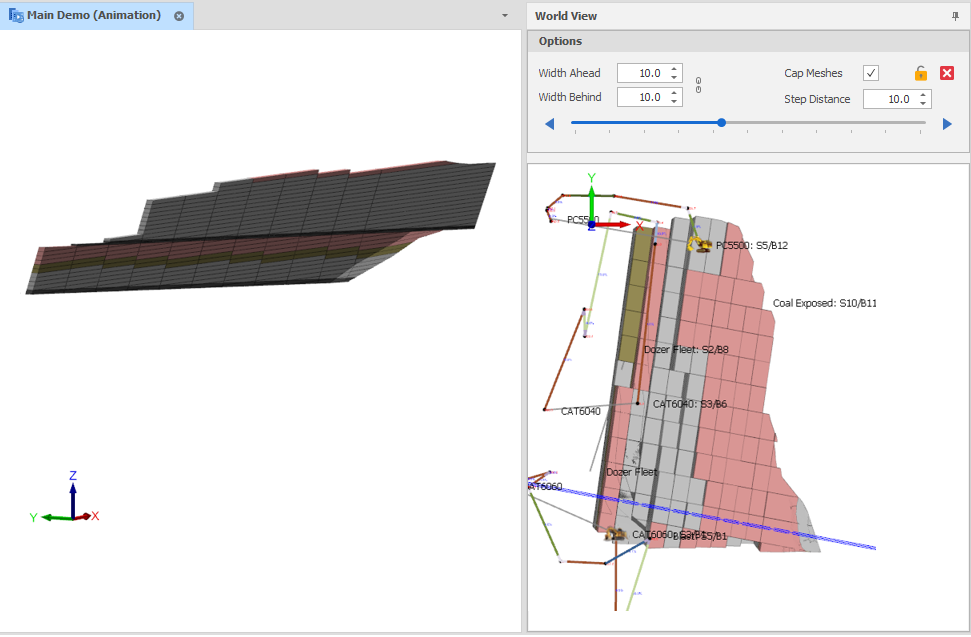
Cap Clipped Meshes
The Cap Meshes check box option in the World View panel toggles whether the solids and triangulations that are clipped by the sectional view have caps on their clipped ends.
A design_sectional_view_cap_clipped_meshes setting can also be set via All Settings and defaults to True. Adding caps makes it easier to see the exact angle at which the solids were sliced. Selection of those solids is also easier.
A design_sectional_view_cap_enable_lighting setting can also be set via All Settings and defaults to False. This setting provides more realistic lighting, however it is generally easier to see the caps when the lighting is turned off.
Capping will only work as expected on closed meshes. Please ensure all capped meshes have valid geometry.
Conventional triangulations are currently not capped due to their typical use as surface triangulations. For these triangulations, individually hide their sectional caps.
Show/Hide Sectional Caps
To show/hide sectional caps for layer triangulations:
In the Design Window, right-click on selected layer triangulations and select Sectional View | Show/Hide Sectional Cap.
If caps are not rendering, please ensure that Solid/Triangulation rendering mode is set to Shader.
If you are experiencing visual artefacts, please ensure your graphics card drivers are up to date.
 Uncapped Example