Performance
Performance metrics show you at a glance how the mine is performing for the current shift. Key indicators can be configured to provide you with the real time information you require.
- Select a measure and then tap OK:
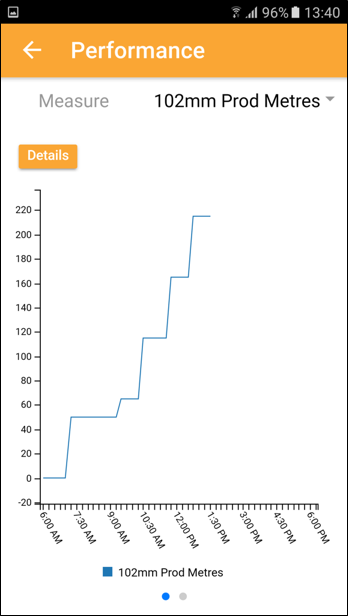
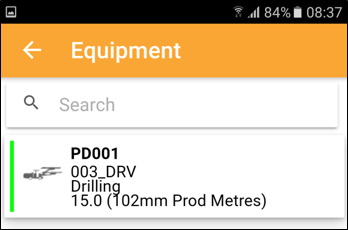
- To drill down into the equipment details, tap the Details button:
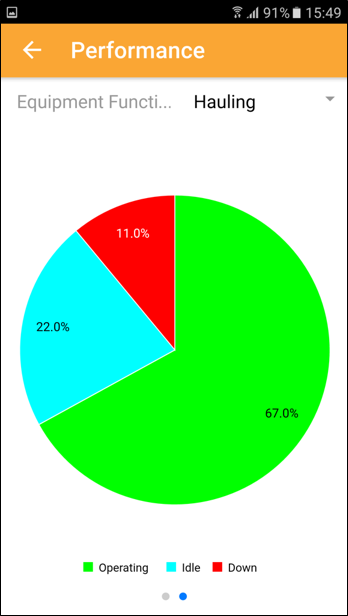
- Swiping to the next performance screen provides you with a selection based on the equipment function. Select the function (in this case ‘Hauling’) and tap OK.
- You can drill down further into the data by tapping on an equipment card or a segment of the pie chart.
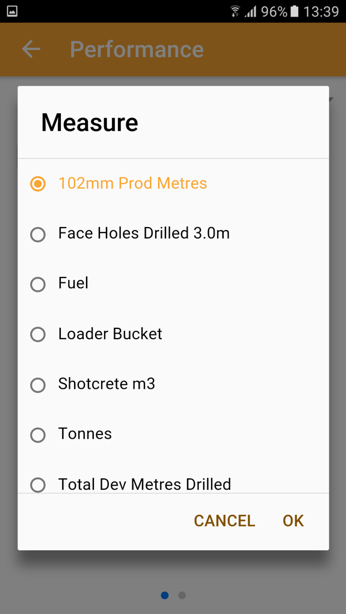
The list of measures is filtered to show equipment summed measures and equipment movement measures. When you select a measure and tap OK, the selected measure is shown in a line graph:
You can swipe across to the next screen as indicated by the page navigation:
Tap the back arrow at the top-left of the screen to return to the previous screen.
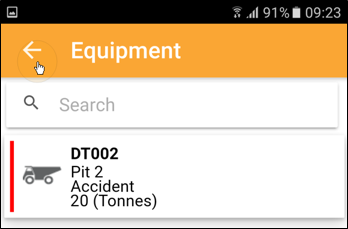
You can also tap on the back arrow and swipe left to right to open the sidebar menu.