Operators
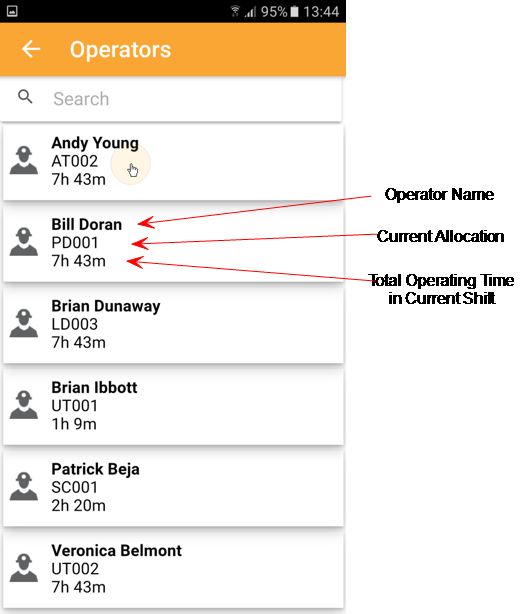
The Operators page provide real-time information on primary operators and allow you to quickly identify the equipment an operator is operating, at which location, and for what duration.
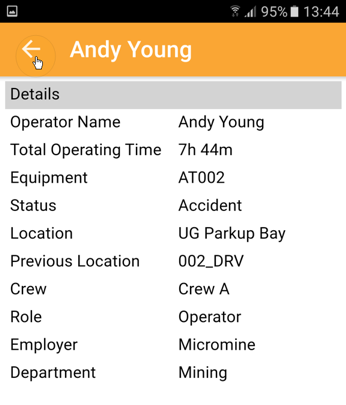
- To view Operator details (status, duration of status, movements), tap on the operator name:
- Tap the back arrow at the top-left of the screen to return to the previous screen.
You can also tap on the back arrow and swipe left to right to open the sidebar menu.