Locations
Location pages provide information about the type, detail and status of locations.
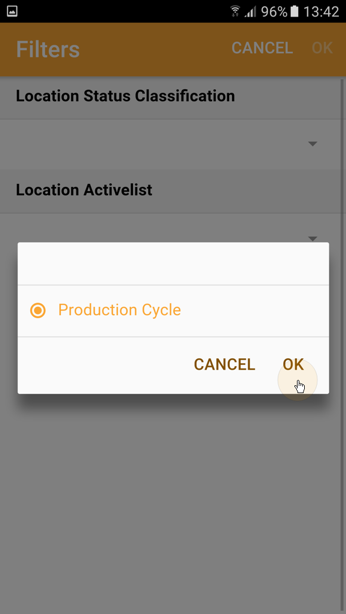
- The first time you use the Location function you will be asked for a location status classification:
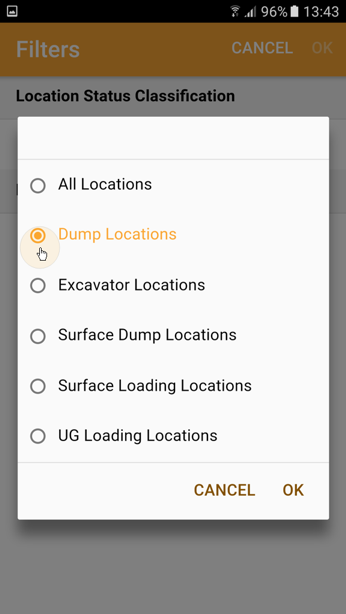
- Select a Location Activelist that defines the type of locations you want to view and press OK:
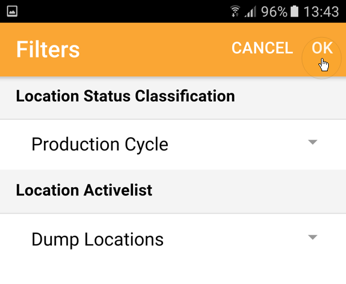
- Once both selections are made tap OK at the top right of the screen:
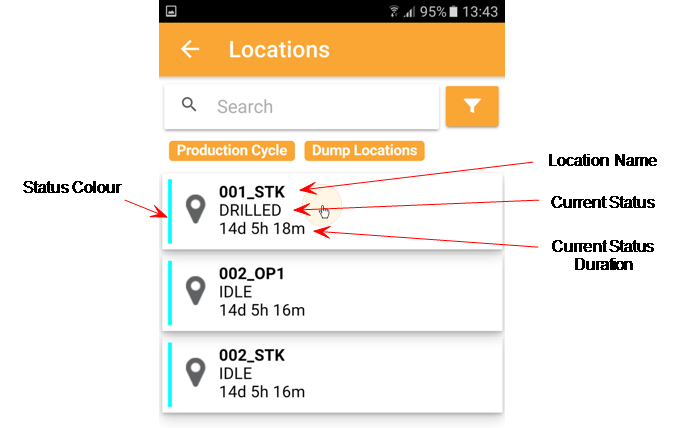
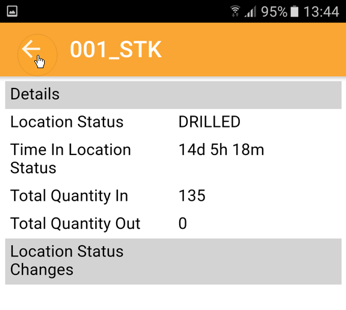
- To view Locations details (status, duration of status, movements), tap on the location:
Locations of the status and type you have selected are displayed:
Tap the back arrow at the top-left of the screen to return to the previous screen:
You can also tap on the back arrow and swipe left to right to open the sidebar menu.