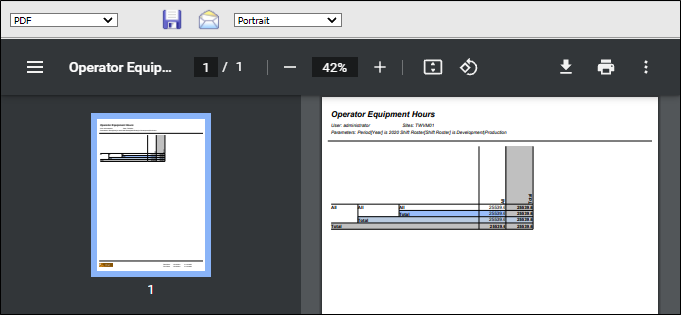
Attach the Crystal Report
To attach the Crystal report to the corresponding Pitram report you created earlier:
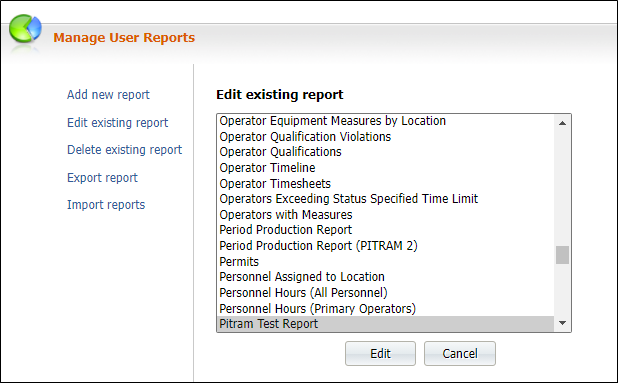
- In the Pitram Portal, select System | Manage Reports.
- Select the Edit existing report option.
- Select the Pitram report and click the Edit button.
- In the Template Name section, select the Crystal report you created from the exported data.
- Save the report.

Run the Pitram Report
- In the Pitram Portal, open the Reporting service and run the report you have just edited.