Equipment Timelines Per Equipment
While an Equipment Timeline panel can be configured to show the cycle states recorded against hauling and loading units, more detailed information can be shown per equipment unit in the Loaders and Trucks panel.
To view a primary equipment timeline:
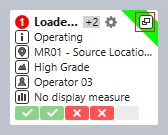
- Hover the mouse over a primary equipment tile and click the Details icon that appears at the top right of the tile:
To view a secondary equipment timeline:
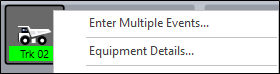
- Right-click on the secondary equipment and select Equipment Details.
Current
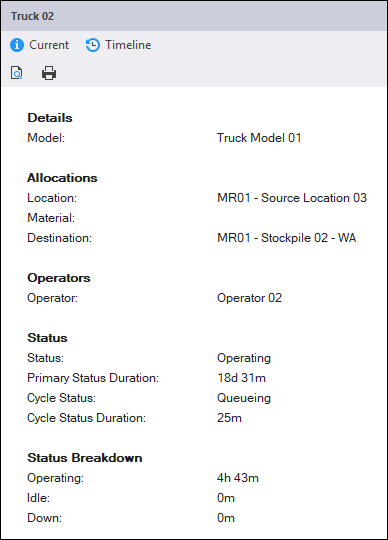
On the Current page, the allocations and operators of the equipment are shown, together with the equipment's primary status (and duration) and cycle status (and duration).
A status breakdown (Operating, Idle, Down), the production of the unit, and the engine hours of the unit are also shown.
Timeline
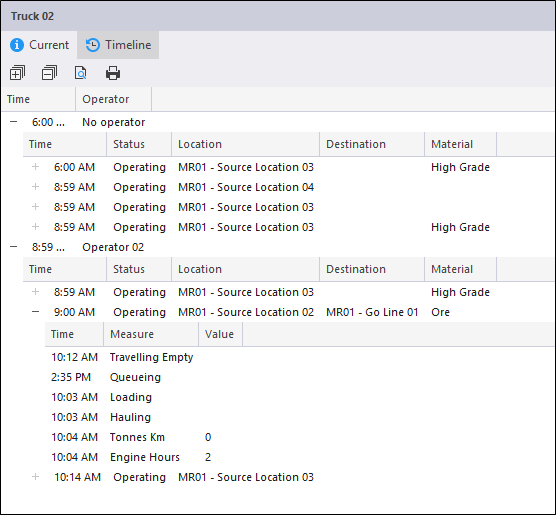
On the Timeline page, the operator, allocations, time and status at each stage in the cycle are shown.
Close
To close the Details window, click the Close button at the top right of the window.