Select View | Messages to toggle the display of the Messages pane on and off. When this option is selected, a Messages tab is available for selection in the Information pane.
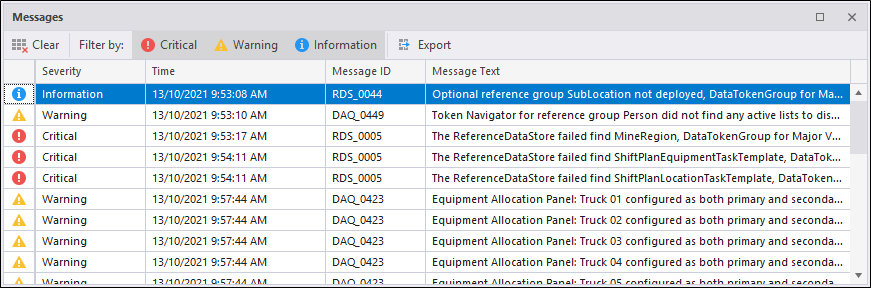
Clear
Click this button to permanently remove the displayed messages. You will be prompted before the messages are deleted. It may be a good idea to save critical messages to a log file using the Export option.
Filter by
The display of messages can be filtered by category:
Critical
Critical errors are displayed to alert the Pitram operator to a software or data processing issue that may have an impact on the reliability of the data being recorded. For issues related to the types of events being recorded, refer to Notifications.
Warning
Warnings are displayed to alert the Pitram operator to minor problems or issues that might require attention.
Information
When a process is running, information messages may be displayed to alert the operator to the status of this process.
Export
Click this button to export the messages to a log file. When you select this option ALL messages will be written to the log file, irrespective of the filter being used to display them.