Options
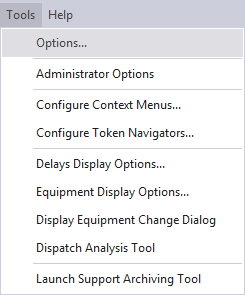
The options provided via the Tools | Options menu determine how the
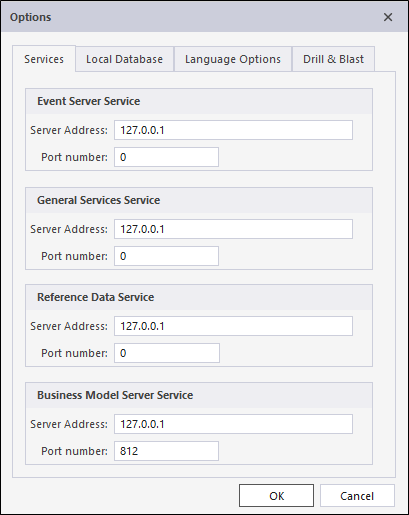
Services
Set the Server IP addresses and the Port numbers for each of the services used by the
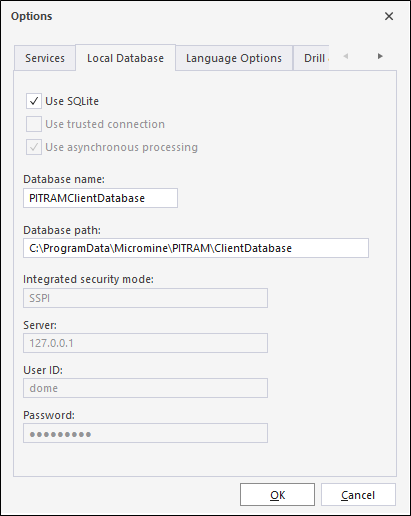
Local Database
Tick the check boxes for Use asynchronous processing and Use trusted connection.
Specify the name and location of the database accessed by
Specify the name and path of the database containing the data to be edited by the
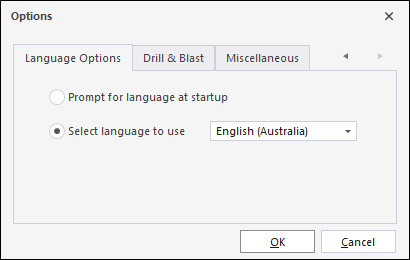
Language Options
Specify the language that will be applied to the user interface, or allow the user to select the language on startup.
Drill & Blast
Specify whether to allow Underground or Open Pit locations or Both.

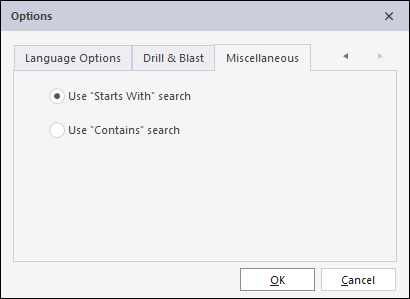
Miscellaneous
Specify whether any search carried out should look for Starts With or Contains matches.