Download File
In the Info pane, click Download File to download the current file:
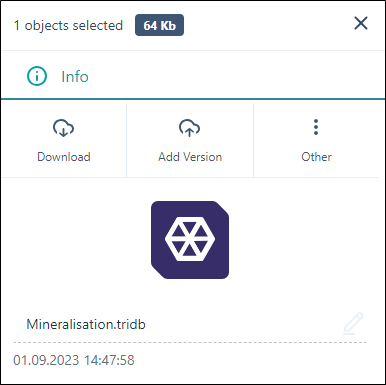
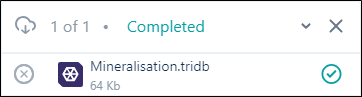
The file is downloaded to the \Downloads folder on your computer.
Note: When a Nexus object is selected, individually or in a folder, Download is not available. This is because Nexus objects that can be viewed in Nexus Viewer are different to .tridb wireframe files in Micromine Origin & Beyond. Where a selected folder contains a Nexus object, the folder cannot be downloaded, for the same reason. For detailed information, see Options.
See: Options.