Edit
To edit a task:
-
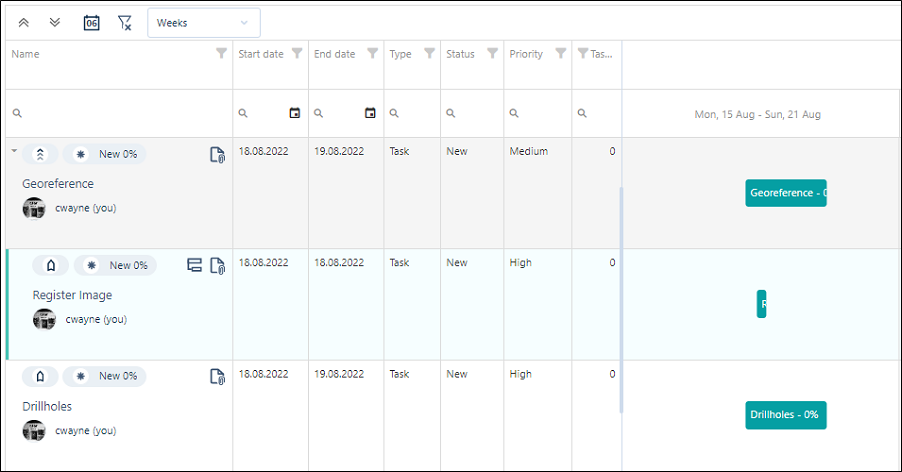
On the Navigation menu, click Tasks to open the Task Manager window:
-
To edit a task, double-click on a task in the Task List or the Gantt Chart.
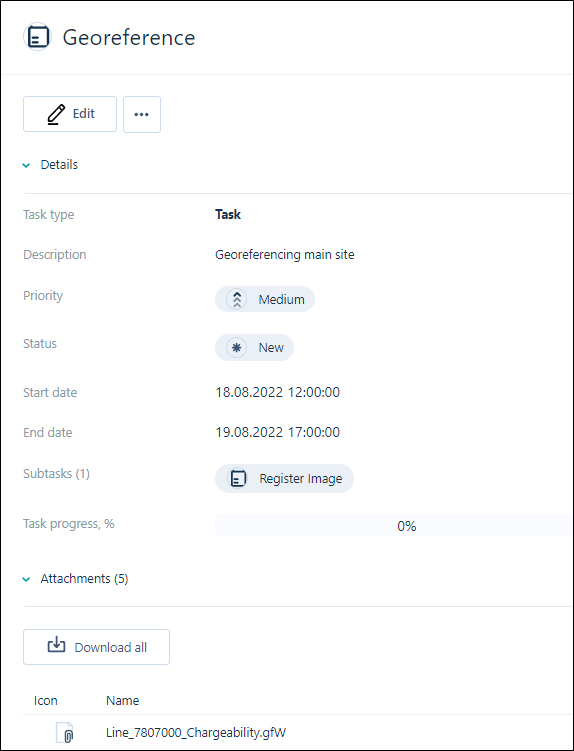
The selected task will open in a new page.
-
Click Edit to make changes to the task.
Properties
Use the fields in the task form to set the following properties of the task:
Update
Finally, click Update to save your changes.