Versioning
The files you upload to Nexus are versioned to provide a history of changes. Nexus projects are also versioned.
When you view the history of the files and folders in your
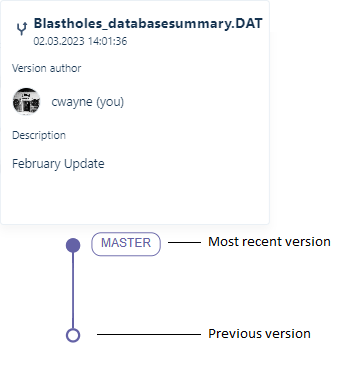
Branching
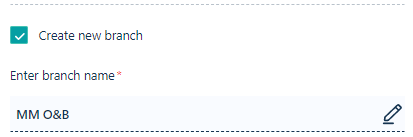
When you select Upload new version to upload a new version of a file, the option to Create a new branch is provided:
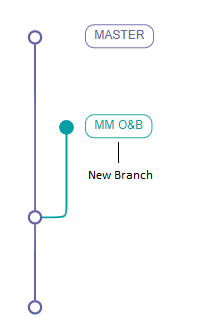
Branching allows you to explore different work scenarios, which aids in decision-making. Different "branch" lines show revisions along that line. Note that while the merging of branches is not currently supported, you can decide to nominate a branch as the new master.
If necessary, you can restore earlier versions of your