Subscribe
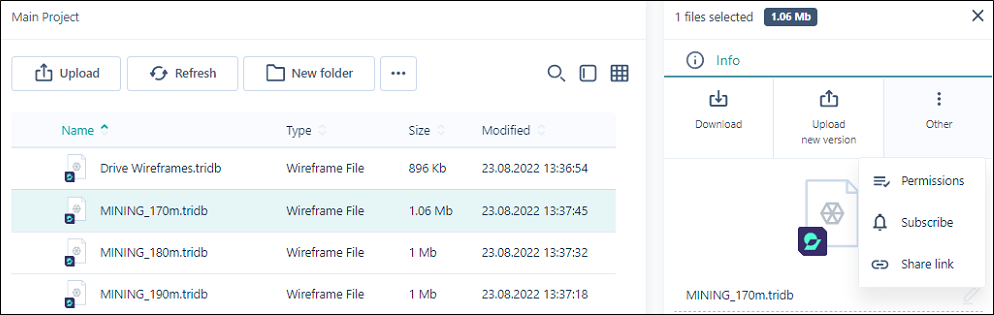
In the Info pane, select Other > Subscribe to subscribe to a selected file or files in your library. You will be notified when updates are made to the file/s.
When you have successfully subscribed, a prompt will be displayed:

You will receive email notification from nexus@micromine.com if there are any updates to a file. If the attribute was changed, you will see the name of the attribute and the previous and new values.
To receive notification about a particular folder, you should select it to display the Info panel and select Other | Subscribe. Similarly, you can Subscribe to any individual file in any directory.