Connect to a Network Licence
-
Launch Micromine Origin & Beyond.
-
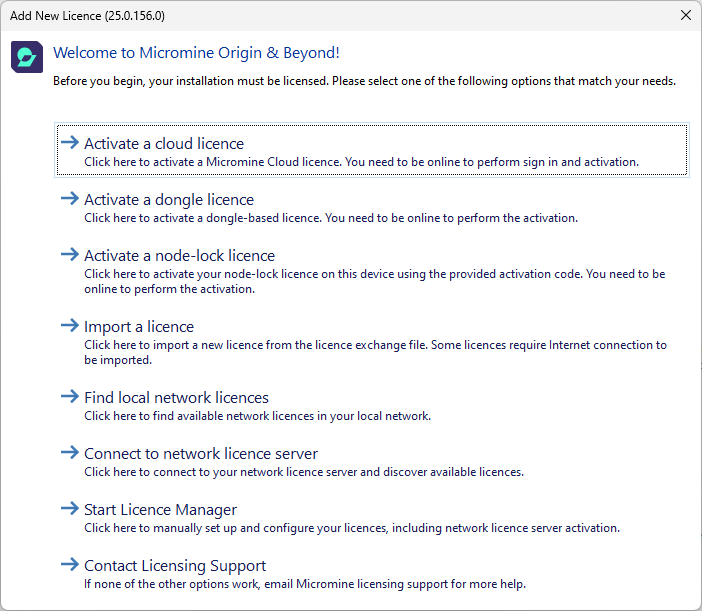
At the Welcome to Micromine Origin & Beyond window, click Use network licence server.
-
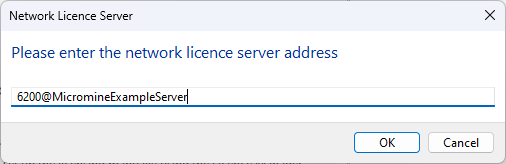
You will be prompted to enter the server address. Type in the IP Address in the format below. If you don't know what the IP address is, you may need to clarify with your IT department/provider. 6200@IPAddress or 6200@hostname.
-
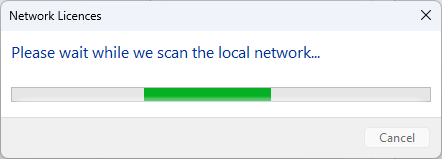
Click OK and the Please wait while we scan the local network message will appear.
-
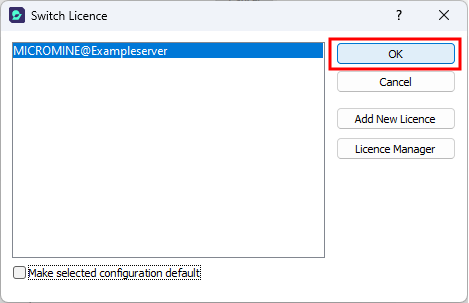
If there is only one Licence feature enabled on your Network Licence Server, Origin & Beyond will begin to launch. If multiple are found, you will be prompted to select your preferred licence configuration and click OK.