Triangle Orientation

Input Wireframe
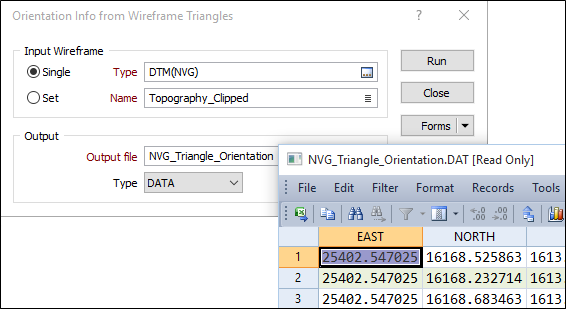
In the Orientation Info form specify the type and name of the Input wireframe.
To process multiple wireframes in a wireframe set, select the Set option. When you create or edit a wireframe set, you can specify wireframes of several types. Wildcards and partial names may be used to select multiple wireframes for each type.
To process a single wireframe, select the Single option, select the type of the wireframe, and then the name of a wireframe of that type. Wildcards and a partial name in the Name input box may be used to select multiple wireframes.
Note that wildcards in the Name input box will only be considered as a valid set definition if the name does not already exist. In other words, it is possible for a wireframe name to contain a wildcard character, for example “+”.
See: Wildcards
Output file
Select an Output file type. Enter or select (double-click or click the select icon) an Output file. A record is written to the Output file for each triangle. This includes the centroid of the triangle, the area of the triangle, and the dip and dip direction of the triangle face at that point.
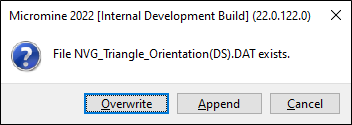
If the Output file already exists, you will be prompted to Overwrite or Append to the file.
Forms
Click the Forms button to select and open a saved form set, or if a form set has been loaded, save the current form set.
Run
When you have specified the inputs and outputs to the process and defined the slicing planes, click Run to extract information for the specified wireframe or wireframe set.