Assign Intervals

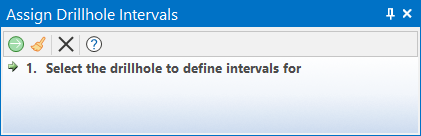
If no holes are selected, the Selection Assistant will prompt you to select the holes:
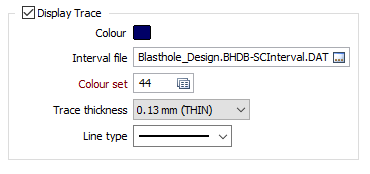
Note: The Display Traces check box must be selected, and a Charge Interval file must be specified, on the Display tab of the Blasthole Design form.
If the Blasthole Database is missing an Interval file, an Interval file can be created using either the Charge Calculation tool or the Create Interval File tool.
Edit the To values and select the EXPL (Explosives) or STEM (Stemming) type of the material for the intervals of the selected holes.
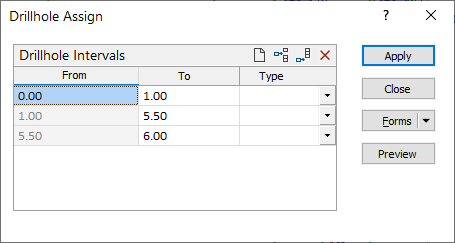
Click Preview to verify the assigned intervals in Vizex before the assignment is applied.
Finally, click Apply to apply the change.
Explosive and Stemming interval lengths can also be edited via the Property Window.