Expression Editor
When calculating stored values, or concatenating values from other fields, use the Expression Editor.
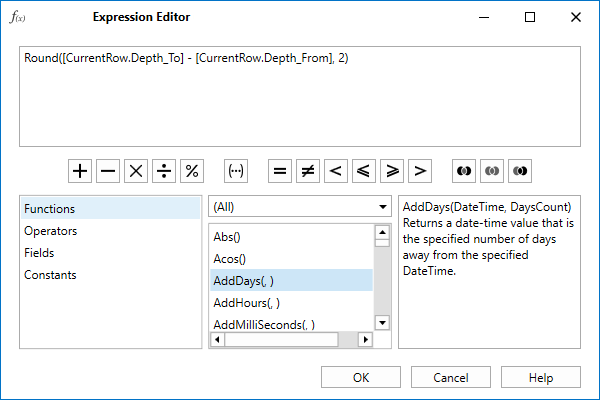
Commonly used arithmetic, comparison, and Boolean (AND, OR, NOT) operators are available for quick selection on a toolbar below the Expression Editor window. You can also use the menu options in the left-hand pane to select the components you want to use to build an expression:
Functions
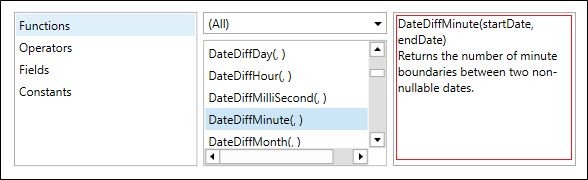
When the Functions option is selected in the left-hand pane, you can select from a list of statistical, arithmetic, string and date functions. Note: A description of each function, when selected, is shown in the right-hand pane.
Operators
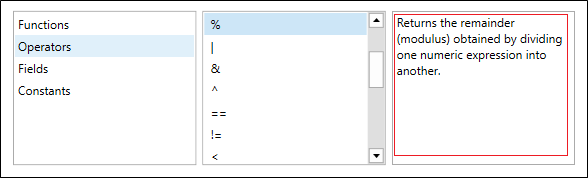
When the Operators option is selected in the left-hand pane, you can select from an extended list of arithmetic, comparison, and Boolean (AND, OR, NOT) operators. Note: A description of any operator you select is shown in the right-hand pane.
Fields
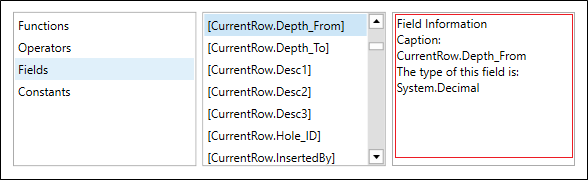
When the Fields option is selected in the left-hand pane, you can select from a list of field operands. Note: In the case of file format definitions for sample result files, these are the Lower Detection Limit and Upper Detection Limit fields. A description of the selected field is shown in the right-hand pane.
Constants
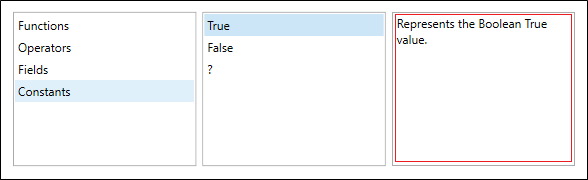
When the Constants option is selected in the left-hand pane, you can select from a list of constant values. Note: A description of the selected constant is shown in the right-hand pane.
OK
Finally click OK to apply the expression (or click Cancel).