Scalebar Settings
Select an option from the Scale Bar Settings tool menu options, or right-click on the scale bar and select an option from the right-click menu.
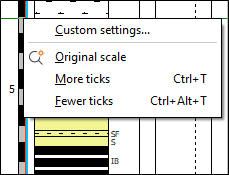
Use Fewer Ticks and More Ticks to decrease or increase the ticks interval respectively. (The annotation interval will be adjusted automatically.)
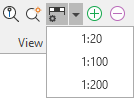
You can use the Scale Bar Settings drop-down menu in the View options for the tool bar to quickly select a scale option.
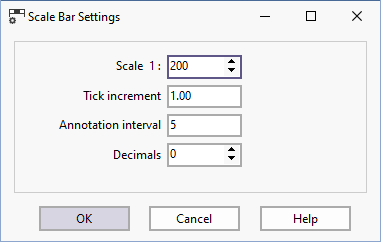
Click the Scalebar Settings button, or select the Custom Settings option from the right-click menu to change the properties of the vertical scale bar.
After changing the scale bar settings you can revert to the original properties by selecting the Original Scale menu option.